
Pictory AI for Small Business: Turn Text into Video in Minutes (2026)
Pictory AI for small business is the fastest way to turn blog posts, scripts, and long-form content into professional videos without any editing skills. Starting at $19/month (annual) with a free trial, it includes AI voiceovers, auto-captioning, and millions of stock assets. Our rating: 7.6/10.
AI Video Creation
You know video content drives more engagement than text. But hiring an editor or learning Premiere Pro takes too much time and money. Pictory AI turns your existing written content into polished videos in minutes.
Start Free Trial
Key Features That Matter for Small Business
Script to Video Conversion
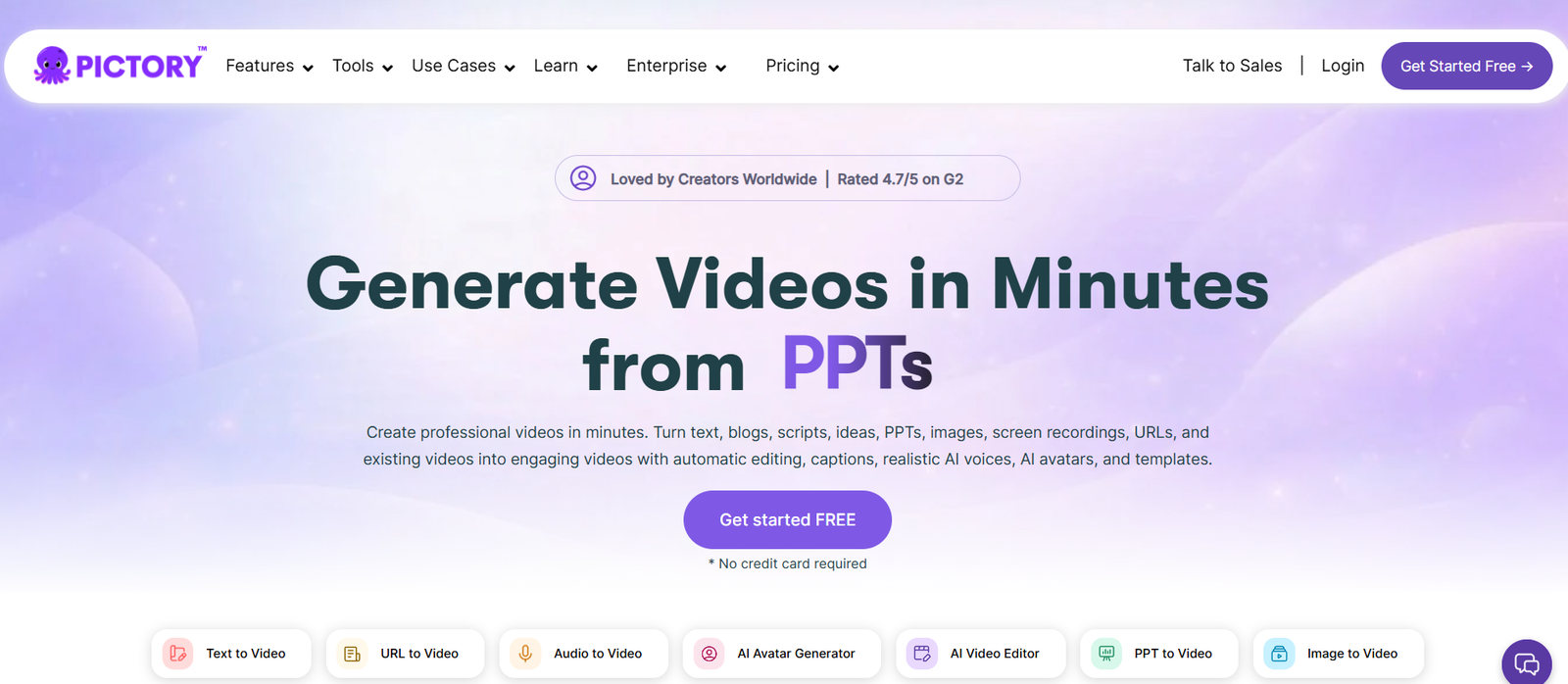
Paste any script, blog post, or URL and Pictory AI automatically generates a complete video with matched visuals, transitions, and music. The AI breaks your text into scenes and pairs each one with relevant stock footage from its library. This is the core feature that makes Pictory AI for small business owners so powerful: you write content once and repurpose it into video without touching a timeline editor.
AI Voiceovers (ElevenLabs Partnership)
On the Professional plan and above, Pictory includes hyper-realistic AI voices powered by ElevenLabs. Choose from dozens of natural-sounding voices across 29 languages. The Starter plan offers standard AI voices in 7 languages. For small business owners creating training videos, product demos, or social content, this eliminates the need to record voiceovers yourself or hire a narrator.
Auto-Captioning and Subtitles
Pictory automatically generates captions and subtitles for every video. Since 85% of social media videos are watched without sound, this is not optional for engagement. Captions are editable, and you can customize fonts, colors, and positioning to match your brand. The subtitle translator feature supports 29 languages on paid plans, letting you reach international audiences.
Text-Based Video Editing
Edit your videos by editing the text transcript, not by dragging clips on a timeline. Delete a sentence from the transcript and Pictory removes that segment from the video. This is a game-changer for anyone who finds traditional video editing software intimidating. You are editing words, not frames.
Video Highlight Extraction
Upload a long webinar, podcast recording, or Zoom call and Pictory AI automatically identifies the most engaging moments and creates short clips. This is ideal for repurposing one-hour webinars into dozens of social media clips for Instagram Reels, YouTube Shorts, or LinkedIn. Available on Professional plans and above.
Brand Kit and Templates
Save your brand colors, fonts, logo, and intro/outro sequences in a Brand Kit and apply them to every video with one click. The Starter plan includes 1 Brand Kit, while Professional gives you 5. Combined with Pictory’s video templates library, this ensures every piece of content looks consistent and professional without starting from scratch each time.
Pricing
Free Trial / From $19/month
Pictory offers a free trial with 3 video projects to test the platform. The Starter plan costs $19/month (annual billing) or $25/month (monthly) and includes 200 video minutes, 5GB storage, 1 Brand Kit, access to 5 million stock assets, and 60 AI voice minutes in 7 languages. The Professional plan is the most popular at $35/month (annual) or $59/month (monthly), bumping you to 600 video minutes, 20GB storage, 5 Brand Kits, 18 million stock assets, ElevenLabs premium voices, Getty Images visuals, and 29 languages. The Teams plan at $99/month (annual) supports 3+ users with 1,800 video minutes, 100GB storage, and advanced branding controls. Enterprise pricing is custom. Optional add-ons for Getty Images and ElevenLabs voices cost $8/month each if needed on lower tiers.
What We Like
- Incredibly easy to use: no video editing experience required, you edit text instead of timelines
- Blog-to-video and URL-to-video workflows save hours of content repurposing work every week
- ElevenLabs AI voiceovers on Professional plans sound natural and professional across 29 languages
- Auto-captioning and subtitle translation make videos accessible and boost social media engagement
- Video highlight extraction turns long webinars into dozens of short social clips automatically
What Could Be Better
- Starter plan is limited to 200 video minutes and 5GB storage, which fills up fast for active creators
- No traditional timeline editor: experienced video editors may find the text-based approach restrictive
- Template selection could be more diverse and creative compared to competitors like InVideo
- Annual billing is essentially required for reasonable pricing (monthly costs 40% to 70% more)
Who Is Pictory AI For?
Best for: Content marketers and bloggers who already produce written content and want to repurpose it into video for YouTube, social media, and email campaigns. If you publish blog posts regularly, Pictory AI for small business lets you turn every article into a video in under 15 minutes.
Good for: Course creators and coaches who need training videos, explainer content, or educational material without hiring a video production team. The script-to-video workflow makes it easy to create professional looking lessons from your existing course outlines.
Good for: Social media managers who need a steady stream of short-form video content for Instagram, TikTok, LinkedIn, and YouTube Shorts. The highlight extraction feature is especially useful for agencies managing multiple client accounts.
Not ideal for: Professional videographers or filmmakers who need frame-by-frame control, color grading, motion graphics, or advanced editing capabilities. If you want a full-featured video editor, tools like DaVinci Resolve or Adobe Premiere Pro are better suited to your workflow.
Pictory AI vs Synthesia: Quick Comparison
| Feature | Pictory AI | Synthesia |
|---|---|---|
| Starting Price | $19/month (annual) | $29/month |
| Free Trial | Yes (3 video projects) | Yes (limited free plan) |
| Best For | Turning written content (blogs, scripts) into videos with stock footage | Creating AI avatar presenter videos for training and corporate communications |
| AI Avatars | Limited (recently added) | 160+ AI avatars (core strength) |
| Text-Based Editing | Yes (core feature) | Yes |
| Key Strength | Content repurposing: blog to video, URL to video, highlight extraction | Realistic AI presenters for professional training and explainer videos |
| Our Rating | 7.6/10 | 7.8/10 |
Pictory AI by the Numbers
Pictory’s Professional plan includes access to over 18 million stock assets from Getty Images, Storyblocks, and Unsplash
Pictory AI supports video creation in 29 languages with ElevenLabs-powered voiceovers
Pictory surpassed 10,000 paying customers as of late 2022 and generated $3.9M in revenue in 2024
Our Verdict
Pictory AI for small business is the best tool for turning written content into video without learning traditional editing software. If you already create blog posts, scripts, or long-form content, Pictory pays for itself by letting you repurpose that content across video channels in minutes. The Professional plan at $35/month (annual) offers the best value with ElevenLabs voices, 18M stock assets, and auto-highlights. Just keep in mind: this is a content repurposing tool, not a replacement for full video production.
Frequently Asked Questions
Is Pictory AI worth it for small businesses?
Yes, if your business creates written content like blog posts, scripts, or articles. Pictory AI for small business saves hours of video production time by automating the conversion of text to video. At $19/month (annual), it costs far less than hiring a freelance video editor for even a single project.
Does Pictory AI have a free plan?
Pictory offers a free trial that includes 3 video projects so you can test the platform before committing to a paid plan. There is no permanent free plan, but the trial does not require a credit card. Paid plans start at $19/month when billed annually.
What is the difference between Pictory Starter and Professional?
The Starter plan includes 200 video minutes, 5GB storage, standard AI voices in 7 languages, and 5 million stock assets. Professional upgrades to 600 video minutes, 20GB storage, ElevenLabs premium voices, 29 languages, 18 million stock assets with Getty Images, and auto highlight extraction.
Can Pictory AI turn a blog post into a video?
Yes. Pictory’s URL-to-video feature lets you paste any blog post URL and the AI automatically generates a video with matched visuals, music, and captions. You can then customize the voiceover, adjust scenes, and add your branding before exporting. This is one of Pictory’s strongest use cases.
Is Pictory better than Synthesia?
They serve different purposes. Pictory excels at converting written content into stock-footage-based videos for social media and marketing. Synthesia is better for creating AI avatar presenter videos for corporate training and internal communications. Choose based on whether you need content repurposing or AI presenters.
Part of our Complete Guide to AI Tools for Small Business guide.