
Microsoft Copilot for Small Business: Honest Review & Pricing (2026)
Quick Answer
Microsoft Copilot for small business is best for teams already running on Microsoft 365 who want AI inside Word, Excel, PowerPoint, Outlook, and Teams. The new SMB-specific plan, Microsoft 365 Copilot Business, costs $18/user/month (promotional rate through June 30, 2026; standard $21/user/month after). Copilot Pro for individuals is $20/month. Microsoft 365 Copilot Enterprise is $30/user/month. Our rating: 8.7/10.
AI General Tools
Microsoft’s AI assistant built into Word, Excel, PowerPoint, Outlook, and Teams. The deepest integration into the apps your team already uses every day.
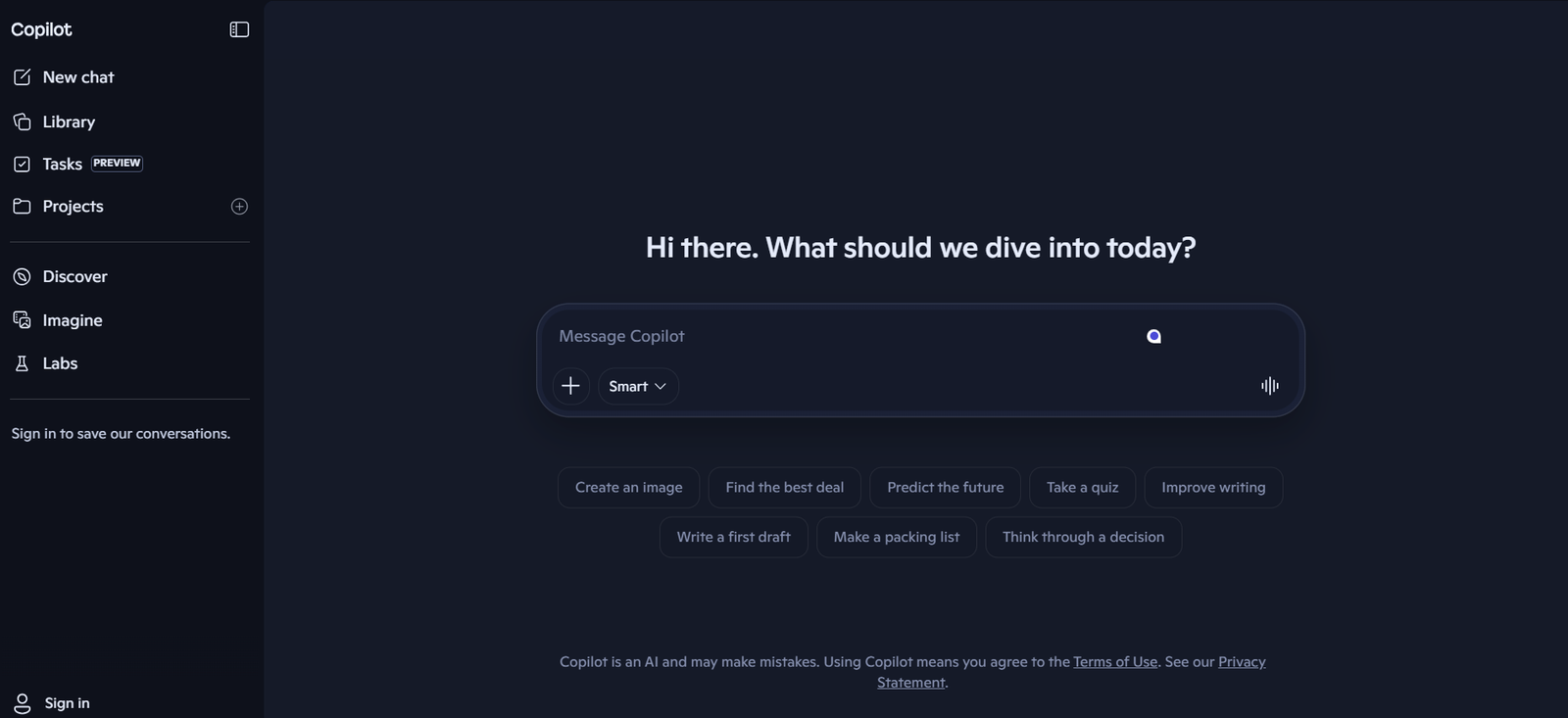
What Microsoft Copilot Does for Small Business Owners
Copilot is Microsoft’s AI assistant built into the apps your team likely already pays for. Inside Word it drafts and rewrites. Inside Excel it generates formulas and analyzes data in plain English. Inside PowerPoint it creates decks from a prompt. Inside Outlook it summarizes long email threads. Inside Teams it transcribes meetings and produces summaries automatically.
What changed in 2026: Microsoft launched Microsoft 365 Copilot Business, a dedicated SMB tier at $18/user/month (promotional through June 30, 2026) sitting between consumer Copilot Pro and the $30 Enterprise plan. This is the plan most small businesses should look at first. By Q1 2026, Microsoft reported 15 million paid Copilot seats, a 160% year-over-year jump.
Native Microsoft 365 Integration
Copilot appears inside Word, Excel, PowerPoint, Outlook, Teams, and OneNote. For owners on Microsoft 365, this is the deepest in-app AI integration available, with no tab-switching or copy-paste workflow.
Work Data Grounding (Business and Enterprise)
The Business and Enterprise tiers ground Copilot’s answers in your organization’s SharePoint, OneDrive, Teams, and Outlook data via Microsoft Graph. Ask “summarize last quarter’s client emails” and Copilot pulls from your actual inbox.
Excel Analysis That Actually Works
Excel Copilot is the standout feature for small business owners. Generate complex formulas from plain English, build pivot tables on request, surface anomalies in financial data, and create charts without learning Excel’s deeper functions.
Meeting Transcription and Summaries
Copilot in Teams transcribes meetings in real time, generates structured summaries with action items, and answers questions about meetings you missed. For SMBs running on Teams, this often pays for the subscription.
Copilot Studio for Custom Agents
All paid Business and Enterprise plans include Copilot Studio for building internal AI agents without code. Create a policy lookup agent for HR, an expense check agent for finance, or a client onboarding agent for ops.
Image Generation via Designer
Copilot includes Microsoft Designer (built on DALL-E) for generating marketing images, social graphics, and presentation visuals directly inside PowerPoint and Word.
Microsoft Copilot Pricing
Free to $30/user/month
Copilot Free: $0, web chat only. Basic GPT-powered Q&A and Microsoft Designer image generation. No in-app integration.
Microsoft 365 Premium: $19.99/month. Bundles Microsoft 365 Personal with select Copilot features.
Copilot Pro: $20/month for individuals. Adds in-app Copilot inside Word, Excel, PowerPoint, Outlook, and OneNote. Requires Microsoft 365 Personal or Family.
Microsoft 365 Copilot Business: $18/user/month (promotional rate through June 30, 2026; standard $21/user/month after). The SMB tier most owners want. Up to 300 seats, work-data grounding, and Copilot Studio. Requires Microsoft 365 Business Basic, Standard, or Premium.
Microsoft 365 Copilot (Enterprise): $30/user/month. For organizations on Microsoft 365 E3 or E5. Adds governance, audit logs, and the full Work IQ semantic index.
Convenience bundles: Business Standard + Copilot Business from $22/user/month; Business Premium + Copilot Business from $32/user/month (new customers, annual commitment).
Pros and Cons of Microsoft Copilot for Small Business
What We Like
- Best Microsoft 365 integration available. Copilot lives inside every Office app your team already uses.
- Excel Copilot is genuinely useful: formulas, pivot tables, and chart generation in plain English
- Teams meeting transcription and summaries with action items pay for the subscription on their own
- Work-data grounding pulls from your SharePoint, OneDrive, and Outlook on Business and Enterprise plans
- Copilot Studio for building custom AI agents is included at no extra cost on paid Business plans
- The new Copilot Business tier at $18/user/month is a strong SMB price point compared to the $30 Enterprise plan
What Could Be Better
- The product lineup (Free, Pro, Business, Enterprise, plus Microsoft 365 Premium) is genuinely confusing
- Paid tiers require a separate Microsoft 365 license. Copilot is never truly standalone for in-app use.
- Australia’s ACCC sued Microsoft in October 2025 over undisclosed cheaper plan options, signaling transparency concerns
- Outputs in Word and Outlook can feel generic compared to specialist tools like Claude or Jasper
Who Microsoft Copilot Is Best For
Best for: Small businesses already on Microsoft 365 Business Basic, Standard, or Premium. The Copilot Business tier at $18/user/month delivers in-app AI plus work-data grounding for a fraction of the Enterprise price.
Good for: Owners who live in Excel for financial work or in Teams for client meetings. Excel formula generation and Teams meeting summaries are the two strongest features.
Also good for: Teams that want to build internal AI agents without hiring a developer. Copilot Studio is included with paid Business plans for employee-facing agents.
Not ideal for: Google Workspace teams (use Jasper AI for writing or stick with Workspace-native tools instead), or businesses whose primary need is content creation. Pair Copilot with Canva Pro for stronger design output, or Zapier for cross-app workflows outside Microsoft.
Microsoft Copilot vs ChatGPT: Quick Comparison
| Feature | Copilot Business | ChatGPT Plus |
|---|---|---|
| Starting Price | $18/user/mo (Free tier) | $20/mo (Free tier) |
| Free Plan | Yes, web chat only | Yes, daily limits |
| In-App Integration | Word, Excel, PowerPoint, Outlook, Teams | None native, requires plugins |
| Best For | Microsoft 365 teams, Excel work, meeting AI | General chat, image generation, plugins |
| Key Strength | Work-data grounding, Copilot Studio, Teams | DALL-E, GPT store, voice mode |
| Our Rating | 8.7/10 | 8.8/10 |
Copilot wins on Microsoft 365 integration and work-data grounding. ChatGPT wins on creative ecosystem breadth. The two solve different problems. A common 2026 stack is Copilot Business for in-app productivity plus a chat tool like HubSpot for CRM-driven AI tasks.
Microsoft Copilot by the Numbers
Microsoft 365 Copilot Business is $18/user/month through June 30, 2026, rising to $21/user/month after. A 10-person team locks in $360 of first-year savings by signing the annual commitment before the deadline.
Microsoft reported 15 million paid Copilot seats in Q1 2026, representing 160% year-over-year growth, making it the fastest-growing AI productivity product in the enterprise software market.
Copilot Business supports up to 300 seats per tenant, with Copilot Studio included for internal AI agents at no additional cost. External-facing agents cost $200 per 25,000 Copilot Credits per month.
Our Verdict
Microsoft Copilot for small business is the obvious choice if your team runs on Microsoft 365. The Copilot Business tier at $18/user/month (through June 30, 2026) makes it accessible at SMB pricing, the Excel and Teams features save hours each week, and Copilot Studio quietly turns it into an AI-agent platform. Google Workspace teams should stick with Gemini. Content-first owners should pair Copilot with a writing specialist. Microsoft 365 Business customers should trial it before the promotional deadline.
Frequently Asked Questions
Is Microsoft Copilot worth it for small businesses?
Yes. Microsoft Copilot for small business is worth it for any team already on Microsoft 365 Business. The new Copilot Business plan at $18/user/month (through June 30, 2026) delivers in-app AI inside Word, Excel, PowerPoint, Outlook, and Teams, plus work-data grounding. The Excel and Teams features alone often justify the cost.
Does Microsoft Copilot have a free plan?
Yes. Copilot Free offers web-based AI chat and Microsoft Designer image generation at no cost. However, the free plan does not include the in-app integration with Word, Excel, PowerPoint, or Outlook. To get Copilot inside Office apps you need Copilot Pro ($20/month), Copilot Business, or Enterprise.
What is the difference between Copilot Pro and Copilot Business?
Copilot Pro is the $20/month individual plan that pairs with Microsoft 365 Personal or Family. Microsoft 365 Copilot Business is the $18/user/month SMB plan (rising to $21 after June 30, 2026) that requires a Microsoft 365 Business subscription and adds work-data grounding, Copilot Studio, and tenant-level admin controls.
Do I need Microsoft 365 to use Copilot?
Not for the free web version. You can use copilot.microsoft.com with a Microsoft account at no cost. However, every paid Copilot plan (Pro, Business, Enterprise) requires an active Microsoft 365 subscription. The in-app Copilot only works inside your existing Word, Excel, PowerPoint, and Outlook licenses.
When does the Copilot Business promotional price end?
The $18/user/month promotional rate for Microsoft 365 Copilot Business is available through June 30, 2026, on annual commitments only. After that date, the standard price reverts to $21/user/month. Locking in the promotional rate before the deadline saves $36 per user across the first year.
Part of our Complete Guide to AI Tools for Small Business.