Best AI Project Management Tools for Small Business in 2026 (Tested and Ranked)
The best AI project management tools for small business in 2026 are ClickUp for an all-in-one platform, Notion AI for document-heavy teams, and Microsoft Copilot if you already live in Microsoft 365. We tested all five tools below on real projects, so you can pick the right one without wasting a free trial figuring it out.
Here is the part most roundups gloss over. As a small team, you may not need yet another subscription at all. Sometimes the smartest move is adding AI to tools you already pay for, and we will show you when that makes sense.
Quick Answer
The best AI project management tool for small business in 2026 is ClickUp, which combines tasks, docs, and goals in one workspace with the most generous free plan (unlimited members) and AI from $7 per user a month. For document-heavy teams, Notion AI is the top pick. If you use Microsoft 365, Microsoft Copilot adds AI to the apps you already have.
Before we get into each pick, here is where this fits in the bigger picture, so you can see how project tools sit alongside the rest of your stack.
This article is part of our comprehensive Complete Guide to AI Tools for Small Business. Read the full guide for a complete overview of the AI tools that help small teams run like much larger ones.
Want to start with our top pick now? ClickUp has a free plan you can set up in minutes.
What Is an AI Project Management Tool?
An AI project management tool is software that uses artificial intelligence to help teams plan, track, and deliver work. It goes beyond a basic task list by writing project plans from a short brief, summarizing progress, flagging risks before they slip, and automating the repetitive coordination that eats your week.
In 2026, the best platforms have become full work hubs. They connect planning, tasks, docs, and reporting in one place, then add an AI assistant that reads your whole workspace and acts on it.
The AI in project management market is valued at about $4.28 billion in 2026 and is projected to reach $8.9 billion by 2030. That growth is why nearly every tool now ships an AI layer, and why picking the right one matters.
Best AI Project Management Tools at a Glance
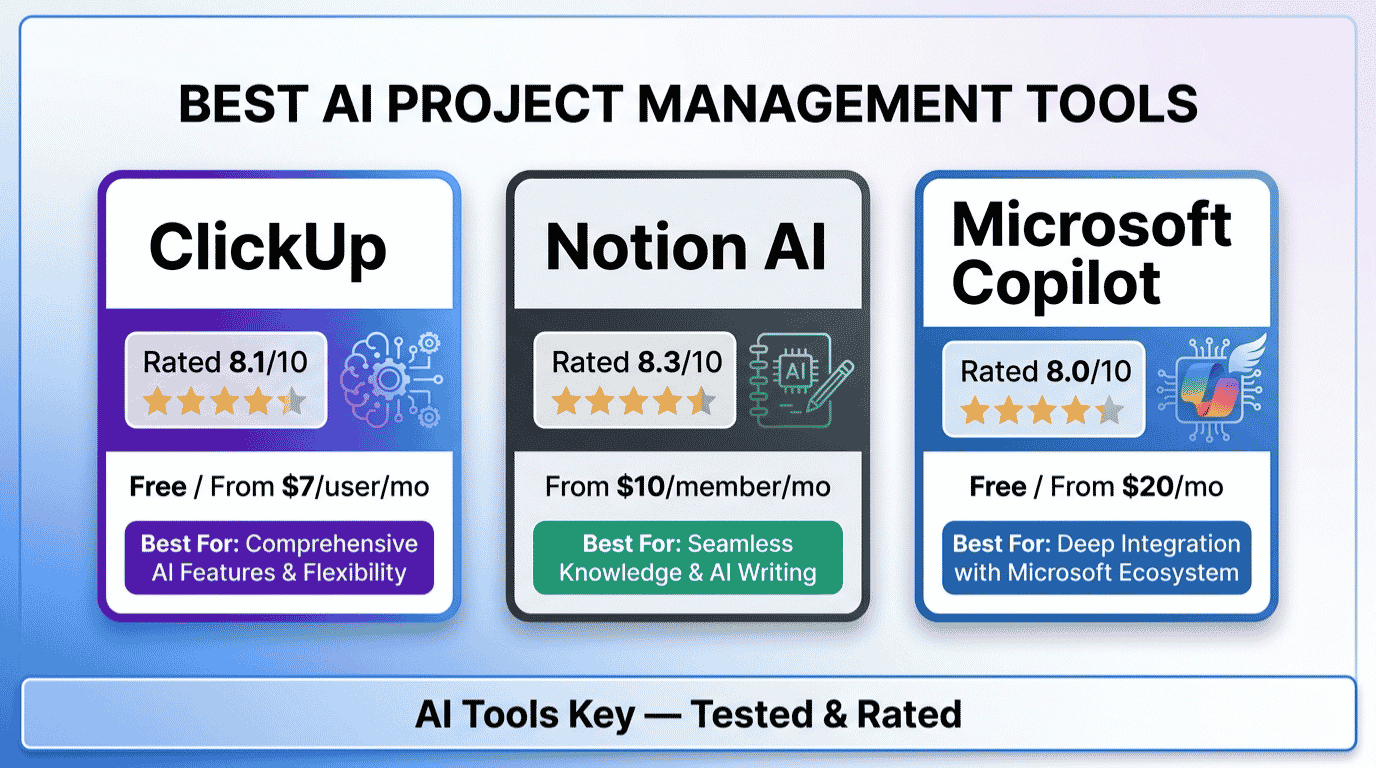
Here are the five best AI project management tools for small business in 2026, ranked for how well they manage real work for a small team:
- ClickUp: Best overall, all-in-one platform
- Notion AI: Best for document-heavy teams and flexible workspaces
- Microsoft Copilot: Best for teams already in Microsoft 365
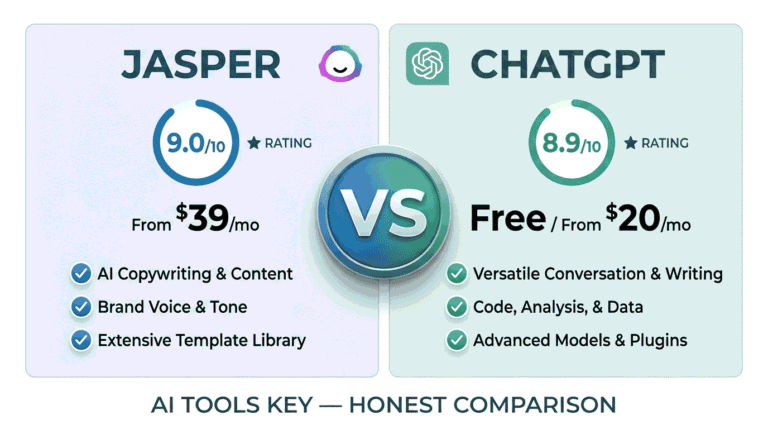
- ChatGPT: Best AI assistant for planning and breaking down projects
- Zapier: Best for automating and connecting your project workflows
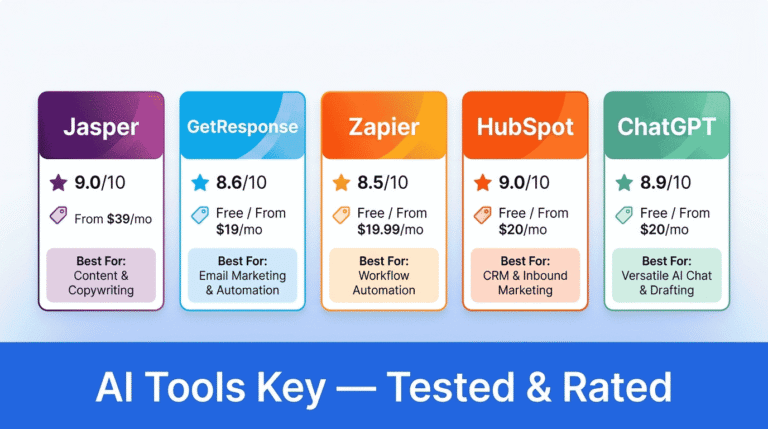
The table below puts the headline numbers side by side. Detailed reviews follow right after.
| Tool | Best For | Starting Price | Free Trial | Rating |
|---|---|---|---|---|
| ClickUp | All-in-one PM | Free / $7/user/mo | Yes | 8.1/10 |
| Notion AI | Docs and workspaces | Free / $20/user/mo | Yes (trial) | 8.4/10 |
| Microsoft Copilot | Microsoft 365 teams | Free chat / $18/user/mo | Yes | 8.7/10 |
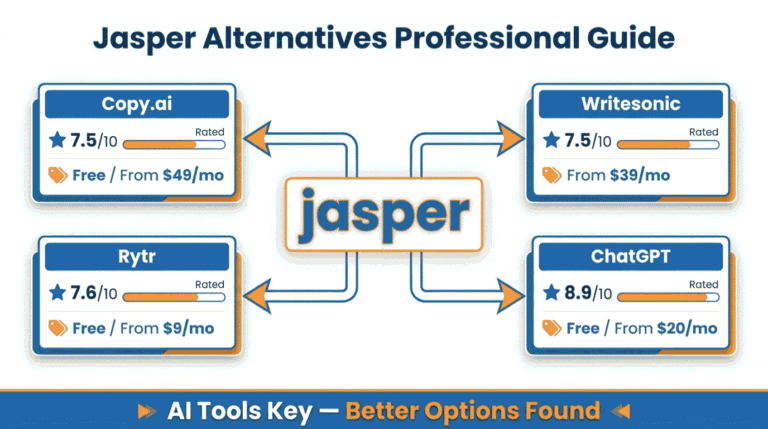
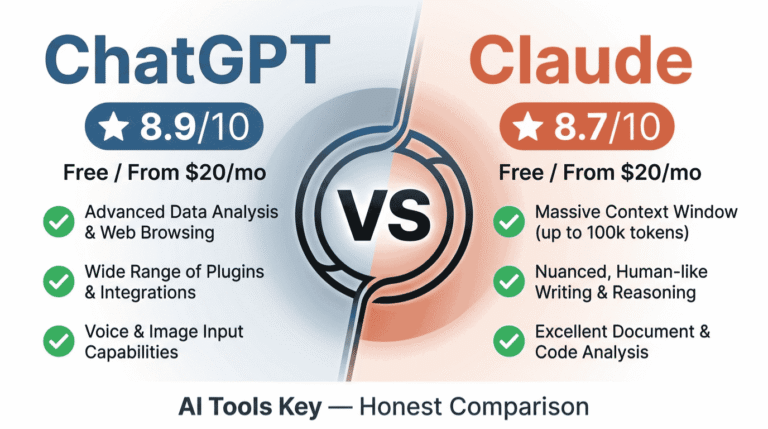
| ChatGPT | Planning assistant | Free / $20/mo | Yes | 8.9/10 |
| Zapier | Automating workflows | Free / $19.99/mo | Yes | 8.5/10 |
Want more options? You can browse our full AI tools directory for additional picks as your team grows.
How We Tested and Ranked These Tools
We do not rank tools from a feature list. After testing all five on real projects, from content calendars to client work to internal task boards, we scored each one on what actually helps a small team ship work.
Our 10-point rating weighs five factors: features (30%), ease of use (25%), pricing value (20%), support quality (15%), and integrations (10%). You can read the full method on our editorial guidelines page.
One note on the order. The ratings reflect each tool overall, but we ranked this list by how well each one manages real projects for a small team. That is why ClickUp leads even though a couple of general tools score a touch higher as all-purpose assistants.
1. ClickUp: Best Overall AI Project Management Tool
ClickUp is the best overall AI project management tool for small businesses in 2026. If you want one place to run everything, this is it. It combines tasks, docs, whiteboards, goals, and time tracking in a single workspace, so your team stops bouncing between apps all day.
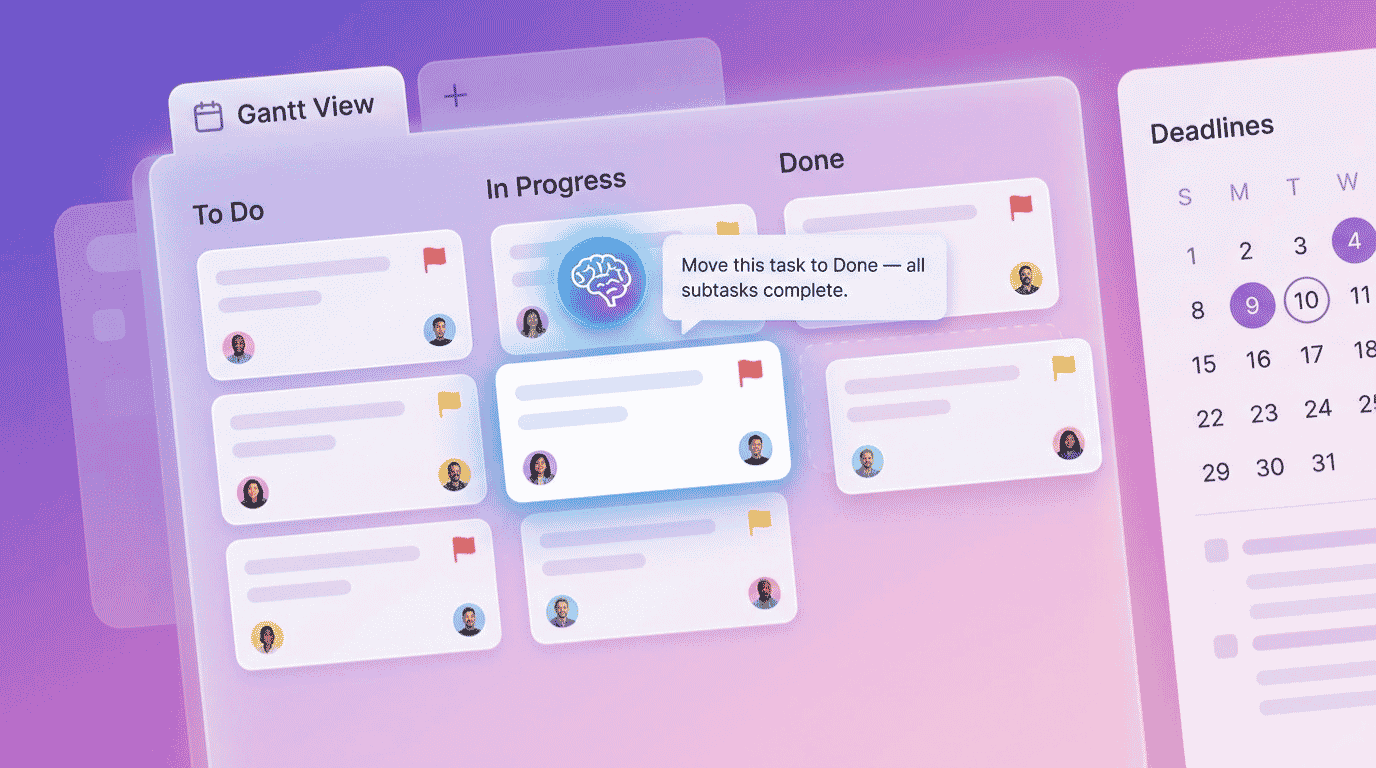
The AI layer, called ClickUp Brain, is the part that saves real time. You can ask it to create tasks from a brief in plain English, summarize a long project thread, draft a status update, or generate subtasks from a goal. It works across the whole workspace, not just one view.
The free plan is the headline for small teams. ClickUp’s Free Forever plan includes unlimited members and unlimited tasks. You can run a real team on it before paying a cent, which almost no competitor allows. See more at the official ClickUp site.
ClickUp Editor’s Pick
- ClickUp Brain: natural-language task creation, summaries, and updates
- Tasks, docs, goals, whiteboards, and time tracking in one place
- Free Forever plan with unlimited members and unlimited tasks
- Dozens of views: list, board, Gantt, calendar, and more
- The most generous free plan in project management, with unlimited users
- Replaces several tools, so you cut subscriptions and app switching
- ClickUp Brain handles task creation and summaries genuinely well
- Best value once you upgrade, at just $7 per user a month
- So flexible it can feel overwhelming to set up at first
- AI works best once your workspace is well organized
- Can slow down with very large, complex workspaces
Pricing: The Free Forever plan covers real teams. The Unlimited plan is $7 per user a month and adds integrations, Gantt charts, and dashboards. Business is $12 per user a month for advanced reporting and workload tools. ClickUp Brain is a small add-on or included on higher tiers.
Tip: Do not try to use every feature on day one. Start with one project, a simple board or list, and add ClickUp Brain once your tasks are in. A clean setup is what makes the AI useful, since it can only work with the structure you give it.
Best for: Almost any small business that wants a true all-in-one project hub. It is also our pick for best value. If you want to compare it against the wider toolset, our best AI tools for small business guide gives the full landscape.
2. Notion AI: Best for Docs and Flexible Workspaces
Notion AI is the best choice for document-heavy small teams that want projects and knowledge in one workspace. If your work lives in docs, wikis, and notes as much as in task boards, Notion AI bends to fit you better than a rigid PM tool.
Notion is a blank canvas you shape into anything: a project tracker, a company wiki, a content calendar, a CRM. The AI now goes further than writing help. Notion agents can draft documents, query your databases, and update pages across your workspace while you do other things.
Notion surpassed 100 million users in 2025, and its flexibility is the reason. The trade-off is setup: you build your system, which takes more effort than an out-of-the-box tracker.
Notion AI Best for Docs
- One flexible workspace for docs, wikis, and project databases
- Notion agents that draft, query, and update pages for you
- AI meeting notes and workspace-wide search
- Choice of leading AI models inside the editor
- Unmatched flexibility for teams that combine docs and projects
- Genuinely useful free plan for the workspace itself
- AI agents handle multi-step tasks across your pages
- Full AI now requires the Business plan, not the free or Plus tiers
- Needs real setup before it works like a project tracker
- Less structured for task dependencies and timelines than ClickUp
Pricing: The free plan is great for the workspace, but it only includes a limited one-time AI trial. Full Notion AI now comes with the Business plan at $20 per user a month (annual), or $24 a month billed monthly. Plan for the Business tier if AI is the goal.
Best for: Solo founders and small teams who think in documents and want one tidy workspace for everything. If you mainly need structured task tracking with deadlines and sprints, ClickUp is the better fit.
3. Microsoft Copilot: Best for Microsoft 365 Teams
For teams already in Microsoft 365, Microsoft Copilot is the most practical AI option because it works inside the apps you already pay for. Rather than learning a new platform, you get AI right inside Outlook, Teams, Planner, Word, and Excel.
For project work, this matters more than it sounds. Microsoft Copilot can summarize a Teams meeting into action items, draft a project update in Outlook, build a plan in Planner, and turn raw data into a status report in Excel. The work and the AI live in the same place.
Microsoft reports that Copilot saves users an average of about 1.2 hours per person each week. You can check current plans on the official Microsoft 365 Copilot page.
Microsoft Copilot
- AI inside Teams, Outlook, Planner, Word, and Excel
- Turns meetings into action items and project updates
- Builds plans and reports from your existing Microsoft data
- Free Copilot Chat tier for web-grounded answers
- No new tool to learn if your team already uses Microsoft 365
- Pulls context from your emails, files, and Teams chats
- Strong value for Microsoft-first small businesses
- It is an add-on, so you also need a qualifying Microsoft 365 plan
- Limited use if your team works mostly outside Microsoft apps
- Promotional price rises to $21 per user a month later in 2026
Pricing: The free Copilot Chat tier comes with eligible Microsoft 365 subscriptions. Microsoft 365 Copilot Business is $18 per user a month on an annual plan (a promotional rate rising to $21), added on top of a qualifying Microsoft 365 license. Copilot Pro for individuals is $20 a month.
Best for: Small businesses already standardized on Microsoft 365 that want AI without adopting another platform. If you live in Word, Excel, Teams, and Outlook, this is the lowest-friction choice.
4. ChatGPT: Best AI Assistant for Project Planning
Not every team needs a dedicated platform. Sometimes you just need help thinking through a project, and ChatGPT is the best AI assistant for that planning work. It turns a vague goal into a structured plan with phases, tasks, and timelines in seconds.
ChatGPT now includes Projects, which are dedicated workspaces for a given effort, and Tasks, which let you schedule reminders and recurring check-ins. For a solo owner or tiny team, that is often enough to keep work moving without a full tracker.
Use it to break a big launch into steps, draft a project brief, write status updates, or pressure-test a timeline. Then drop the output into whatever tool you use to track the work.
ChatGPT Free Option
- Turns goals into structured project plans instantly
- Projects workspaces and scheduled Tasks for ongoing work
- Drafts briefs, updates, and timelines on demand
- Capable free tier for light planning
- Fastest way to plan and break down a project from scratch
- Free tier handles a lot of planning work
- Pairs well with any tracker you already use
- Not a true tracker for teams, deadlines, or dependencies
- No shared boards or assignee management for a team
- You still need a separate tool to execute the plan
Pricing: The free tier covers light planning. ChatGPT Plus at $20 a month adds higher limits, the newest models, and fuller access to Projects and Tasks. If you already pay for it, you have a capable planning assistant built in.
Best for: Solo owners and very small teams who want help planning rather than another platform to manage. It is the perfect companion to a simple board in ClickUp or Notion.
5. Zapier: Best for Automating Project Workflows
Zapier is the best tool for automating the repetitive coordination around your projects. It is not a tracker. It is the glue that connects your tools, so a task in one app triggers the right action in another without anyone lifting a finger.
For small teams, this is where hours quietly disappear. Zapier can create a ClickUp task from a new email, post a Slack alert when a project status changes, or add a row to a sheet when a form comes in. In 2026, its AI builds these automations from a plain-English description.
If you want to dig into automation more broadly, our roundup of best AI automation tools compares Zapier with the main alternatives, and you can browse the full AI automation tools category for more.
Zapier
- Connects thousands of apps, including ClickUp and Notion
- Builds automations from a plain-English prompt
- Automates handoffs, alerts, and status updates
- Free plan for your first simple workflows
- Removes manual coordination between your project tools
- Connects to almost everything a small business uses
- AI makes building automations beginner-friendly
- Not a project tracker on its own; it works alongside one
- Costs can climb as your task volume grows
- Complex multi-step workflows take some trial and error
Pricing: The free plan covers basic single-step automations. Paid plans start at $19.99 a month and scale with how many tasks you automate. For most small teams, a starter paid plan is plenty.
Do not want to wire up automations yourself? A specialist can connect your project tools and build the workflows for you. Explore our AI workflow automation setup service for a done-for-you option.
Best for: Teams that already have a project tool and want to stop doing repetitive busywork between apps.
How to Choose the Right AI Project Management Tool for Your Business
You do not need all five. Match the tool to how your team actually works, then add a second one only when a real gap shows up. Here is the simple framework we use.
Start with your main need. Want one real platform to track everything? Choose ClickUp. Work mostly in docs and notes? Notion AI. Already all-in on Microsoft 365? Microsoft Copilot. Just need planning help? ChatGPT. Drowning in manual handoffs? Zapier.
Then match your budget and team. On a tight budget, ClickUp Free plus ChatGPT Free covers planning and tracking at zero cost. With a few dollars per user, ClickUp Unlimited is the best value. Microsoft-first teams should price Copilot against a tool they would otherwise add.
Our recommended starter stack: ClickUp for tracking projects and tasks (free, or $7 per user when you grow), plus ChatGPT for planning (free). Add Zapier later to automate the repetitive steps. That combination runs most small teams for little or nothing.
Not sure which system fits your business, or how to set it up without losing a week? A consultant can map your workflow and get you running fast. Compare options in our AI services directory or talk to a strategist below.
Want expert help choosing and setting up your tools? Our AI business consultant service connects you with a specialist who plans your stack around how your team actually works.
If budget is your main concern, our best free AI tools for business guide lists more zero-cost options worth trying before you commit to any paid plan.
Quick Finder: Match Yourself to a Tool in 30 Seconds
Five tools is a lot to weigh. The matcher below asks three quick questions about your main need, budget, and setup preference, then returns one tested pick with current pricing. Nothing is collected; your answers stay in your browser.
AI Project Tool Quick Finder
3 questions, about 30 seconds, one tested recommendation.
Our Verdict: Which AI Project Management Tool Should You Pick?
ClickUp is the best AI project management tool for small business in 2026, and it is where most teams should start. It covers the most ground, has the most generous free plan, and offers the best value at $7 per user a month. Add ChatGPT for planning, which is free, and you have a complete system for almost nothing.
Choose Notion AI if your work lives in documents. Choose Microsoft Copilot if you already run on Microsoft 365. Add Zapier once you are tired of repetitive busywork between tools. For everyone else, ClickUp plus a free planning assistant is the smart, affordable answer.
Whichever you choose, start free where you can, set it up on one real project this week, and only upgrade once the time savings are obvious. To see how this fits your wider toolkit, our guide to the best AI automation tools covers the automation side in more depth.
The Information People Are Looking For
What is the best AI project management tool for small business in 2026?
ClickUp is the best AI project management tool for small business in 2026. It combines tasks, docs, and goals in one workspace, offers the most generous free plan with unlimited members, and adds AI from $7 per user a month. For document-heavy teams, Notion AI is the top alternative.
Which AI project management tool has the best free plan?
ClickUp has the best free plan in 2026. Its Free Forever tier includes unlimited members and unlimited tasks, so a real team can run on it before paying. ChatGPT’s free tier is also strong for planning, making ClickUp Free plus ChatGPT Free a capable zero-cost stack.
Is Notion good for project management?
Notion is excellent for project management if your team is document-heavy and wants a flexible workspace for docs, wikis, and projects together. It needs more setup than an out-of-the-box tracker. For structured task dependencies, deadlines, and sprints, ClickUp is the more practical choice.
Will AI replace project managers?
No. AI will not replace project managers, but it will reshape the role. These tools handle the repetitive coordination, status updates, and risk flagging, which frees managers to focus on planning, priorities, and people. Think of AI as a capable assistant that amplifies a project manager rather than replacing one.
Can small teams really benefit from AI project management tools?
Yes. Even a two-person team benefits from automated reminders, AI-generated status summaries, and smart task creation. Free plans from ClickUp and ChatGPT make this accessible with no budget. The time saved on coordination and updates is often the biggest win for lean teams.
How much do AI project management tools cost?
Most AI project management tools range from free to about $20 per user a month. ClickUp starts at $7 per user, Microsoft Copilot Business at $18, and Notion AI and ChatGPT Plus around $20. A free starter stack of ClickUp Free plus ChatGPT Free costs nothing to begin.
What does AI actually do inside project management tools?
AI creates tasks from plain-English briefs, summarizes long project threads, drafts status updates, flags risks and delays, and automates repetitive steps. The best tools read your whole workspace for context, so they can answer questions about progress and handle coordination work that used to take hours each week.