How to Use AI for SEO: A Step-by-Step Guide for 2026
If you want to rank higher on Google but feel buried under keyword research, content briefs, and technical audits, AI can take most of that weight off your shoulders. Learning how to use AI for SEO means handing the slow, repeatable work to software so you can focus on strategy and quality. You do not need to be a developer or an SEO veteran. In this guide, we will walk through a clear, step-by-step process, share the exact tools we recommend after hands-on testing, and show you what an AI SEO stack really costs.
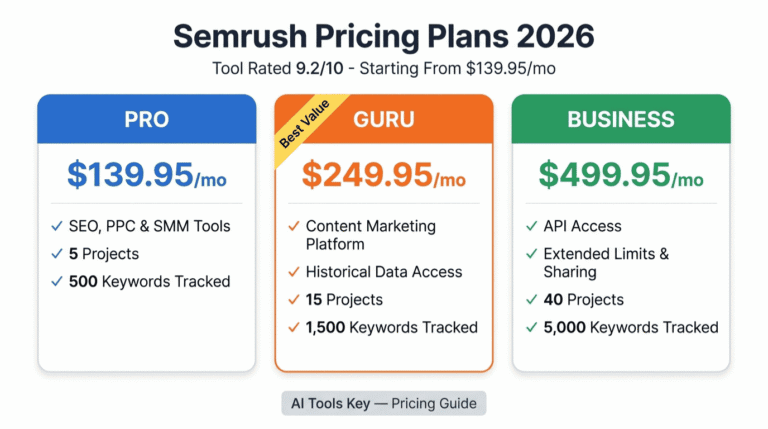
We have tested the major SEO platforms for small business owners, and a few stand out. For all-in-one research and audits, Semrush is our top pick, so we will lean on it throughout this walkthrough.
Quick Answer
To use AI for SEO, pair an all-in-one platform like Semrush (from $139.95/mo) with a content optimizer like Surfer SEO (from $99/mo) and a free assistant like ChatGPT for research and drafts. Use AI for keyword research, briefs, on-page optimization, and audits, then add your own expertise for strategy and final edits. Google rewards quality, not automation.
This guide is part of our complete Guide to AI Automation for Small Business. Read the full pillar to see how AI can streamline marketing, sales, and support across your business.
What Is AI SEO?
AI SEO is the practice of using artificial intelligence tools to research, create, and optimize content so it ranks higher in search results. AI handles the slow parts: keyword research, content briefs, on-page suggestions, and technical audits. You stay in charge of strategy and final edits. The goal is the same as always, more organic traffic, reached faster.
Here is the honest framing we use: AI is your research assistant and analyst, not your replacement. AI is best used for SEO research, drafts, and analysis, while a human handles strategy and the final word. Get that balance right and you move faster without sacrificing quality.
The shift is already mainstream. A 2026 Semrush survey of 100 marketers found 60% use AI for keyword research, and almost half use it to brainstorm content ideas. Teams without an AI workflow are now measurably behind those with one.
What AI Can Do for Your SEO
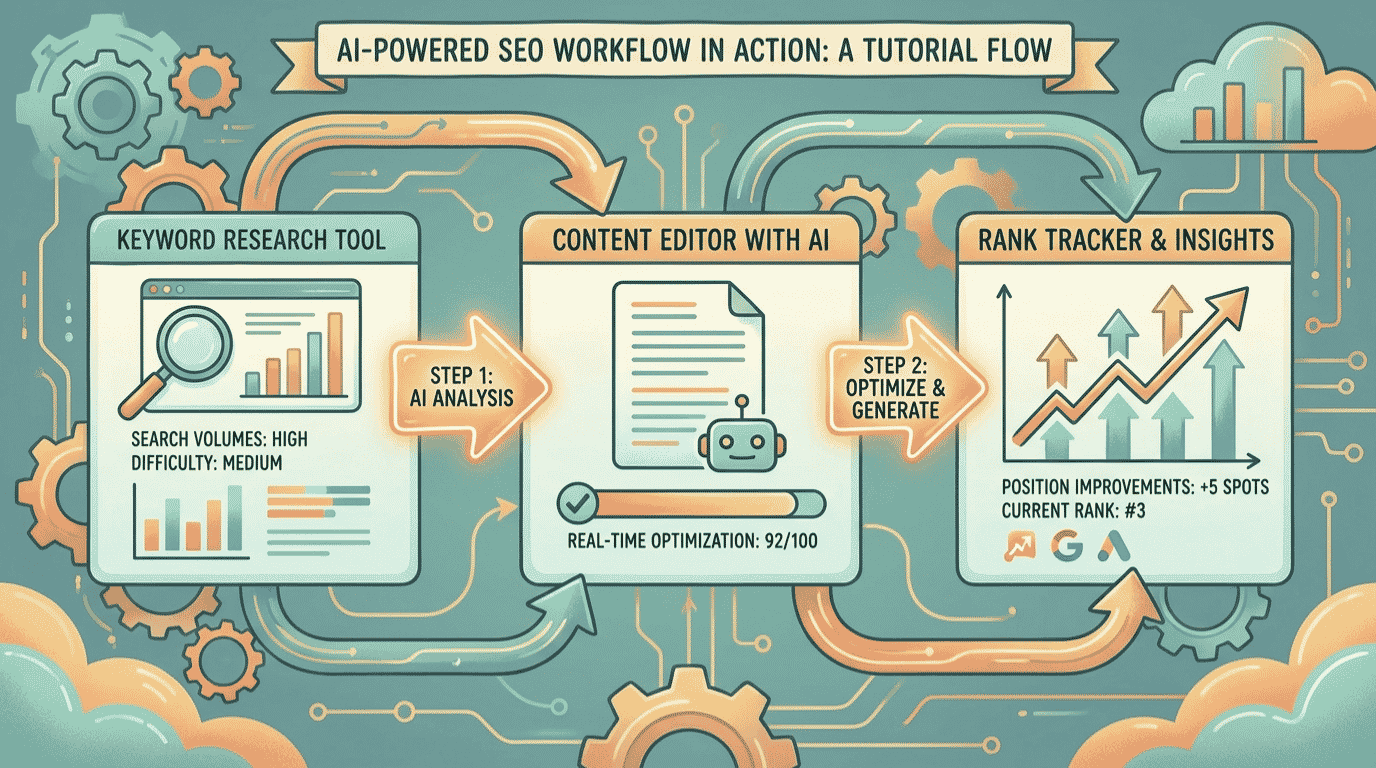
AI will not magically rank your site overnight. What it does is compress hours of manual work into minutes. Here is where modern tools like Semrush, Surfer SEO, Frase, and ChatGPT earn their keep.
- Keyword research at scale: AI suggests dozens of short and long-tail keywords, groups them into topic clusters, and flags search intent in seconds.
- Content briefs and outlines: Tools build data-driven briefs from the top-ranking pages, including word count, headings, and People Also Ask questions.
- Drafting and meta tags: AI writes first drafts, title tags, and meta descriptions you can refine, instead of staring at a blank page.
- On-page optimization: Content scorers compare your draft to the current top results and tell you exactly which terms and sections to add. Surfer analyzes over 500 web and AI signals to guide each page.
- Technical SEO help: AI generates schema markup, explains crawl errors in plain English, and drafts the regex for your Search Console filters.
- Competitor and gap analysis: AI compares your coverage to competitors and surfaces the topics and questions you are missing.
- AI search visibility: Newer tools track whether your brand appears in AI Overviews, ChatGPT, and Perplexity, then suggest how to win those citations.
The payoff is speed without a quality drop. A peer-reviewed study published in Science found writers using ChatGPT finished tasks 40% faster with higher quality output. For SEO work, that means more pages researched, optimized, and published in the same week.
What You Need to Get Started
The barrier to entry is lower than most people think. To follow this guide, you really need four things.
- A website with content you want to rank, or pages you plan to publish.
- At least one AI SEO tool (free trials and ChatGPT’s free plan work to start).
- One target keyword or topic your customers really search for.
- About an hour of focused time to optimize your first page.
Not sure if you are ready? Use the quick checker below. Answer four yes-or-no questions and it tells you whether to start Step 1 now or set something up first. Everything stays in your browser, and nothing is saved or shared.
Are You Ready to Use AI for SEO?
4 quick questions. Takes about 20 seconds.
How to Use AI for SEO in 7 Steps
Here is the exact process we use to optimize a page or plan new content with AI. Follow it in order and you will have a stronger, more discoverable page by the end.
Step 1: Pick your AI SEO tools
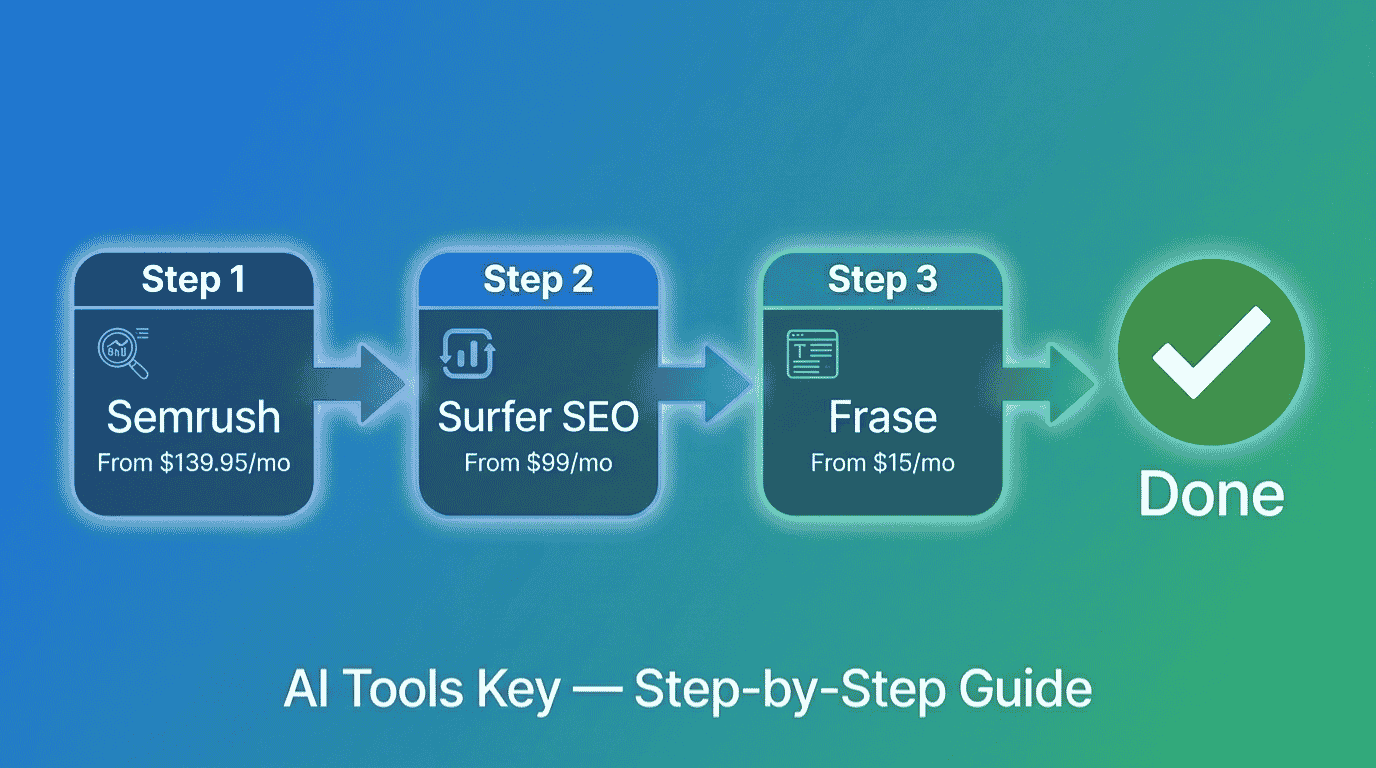
Your tools are the foundation, so choose them first. For most small businesses, the winning combination is one all-in-one platform plus one content optimizer plus a free assistant. Semrush covers research and audits, Surfer SEO handles on-page optimization, and ChatGPT fills in ideas and drafts.
Semrush Editor’s Pick
- Keyword research and clustering
- Site audits and rank tracking
- Competitor and gap analysis
- New Semrush One AI visibility track
We rate Semrush as the best all-in-one SEO platform for serious growth. It is the most complete toolkit we have tested, and the new Semrush One track even monitors your presence inside AI answers.
Surfer SEO Best for Content
- Real-time Content Score
- NLP keyword suggestions
- AI content and outline tools
- AI search visibility tracking
Surfer is the best on-page optimizer we have used. Its Content Editor scores your draft against the top results in real time, so you know exactly what to add before you publish.
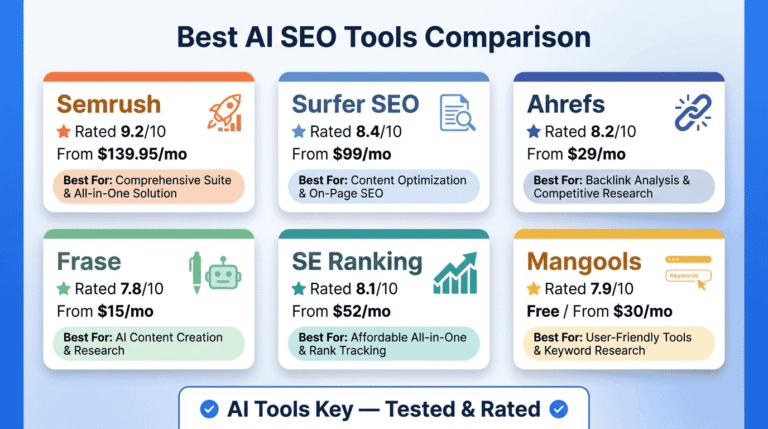
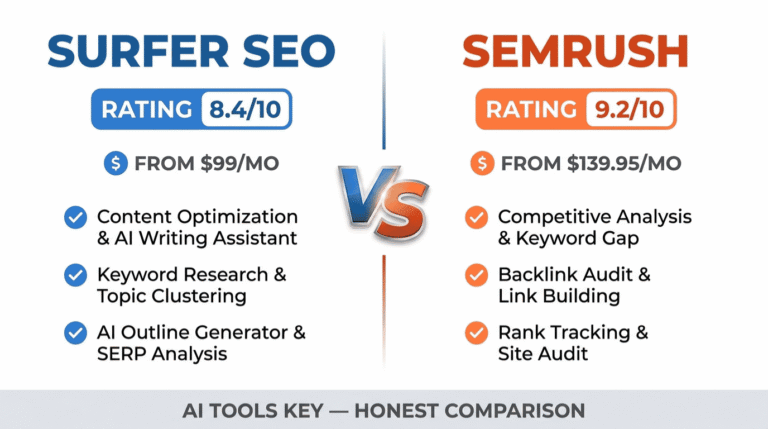
On a tighter budget, you can start with just ChatGPT (free) for research and drafts, plus Frase (from $49/mo, or $39/mo billed annually) for fast content briefs. For a wider shortlist, see our roundup of the best AI SEO tools, and if you are torn between the two big platforms, our Surfer SEO vs Semrush comparison breaks down the differences.
Step 2: Do keyword research with AI
Start every project with keywords. Open ChatGPT and ask it to brainstorm topics your audience searches for, then group them into clusters. A prompt like “Act as an SEO strategist and list 20 long-tail keywords for [your topic], grouped by search intent” gives you a strong starting list in seconds.
Then validate those ideas with real data. AI cannot see live search volume on its own, so run your shortlist through Semrush to check volume, difficulty, and competitor rankings. This combination of AI ideas plus real data is the fastest way to build a keyword plan.
Step 3: Build data-driven content briefs and outlines
Once you have a keyword, build a brief before you write. This is where Frase shines: it scans the top-ranking pages and assembles a brief with target word count, suggested headings, and the People Also Ask questions to answer. That brief becomes your blueprint.
If you prefer to keep it free, ask ChatGPT to create an outline based on search intent and the questions real users ask. Either way, you start with structure instead of a blank page, which is half the battle.
Step 4: Write and optimize your content
Now write, with AI as your assistant rather than your author. Use it to draft sections, then edit heavily in your own voice and add specifics only you know. This is the most important rule in this guide: never publish raw AI text as a finished article.
As you write, run the draft through Surfer SEO’s Content Editor. It scores your content against the current top results and highlights missing terms, thin sections, and structure gaps. Aim for a strong Content Score, but never stuff keywords just to hit a number.
Step 5: Optimize your on-page elements
Small on-page details move rankings. Ask AI to write 10 title tag and meta description variations within character limits, then pick the best one. Have it suggest descriptive alt text for your images and a logical heading structure.
AI is also excellent for schema markup. Describe your page, name the schema type (FAQ, Article, LocalBusiness, or Product), and ask for the JSON-LD. Always validate it in Google’s Rich Results Test before you add it to your site.
Step 6: Run a technical SEO audit with AI
Technical issues quietly drag down good content. Run a site audit in Semrush to surface broken links, duplicate metadata, slow pages, and indexing problems. The platform flags issues and explains many of them in plain language.
For anything confusing, paste the error into ChatGPT and ask what it means and how to fix it. You will get a plain-English explanation that gets you most of the way there. Always verify the fix before you apply it sitewide.
Step 7: Track rankings, refresh content, and optimize for AI search
SEO is never finished. Track your rankings in Semrush, then use AI to spot pages that have slipped. Paste an underperforming page into ChatGPT and ask what is missing, outdated, or worth expanding, then refresh it.
Finally, optimize for AI search, not just Google. Search increasingly happens inside AI Overviews, ChatGPT, and Perplexity. Tools like Surfer and the Semrush One track now monitor whether your brand is cited in those answers, so you can adjust your content to win that visibility too.
Want SEO results without the learning curve?
A specialist can audit your site, fix technical issues, and optimize your content for both Google and AI search. Browse vetted experts and have it done for you.
See AI SEO Audit ServicesA Real Example: How a Local Business Uses AI for SEO
Let me make this concrete. Say you run a small dental practice and want to rank for searches in your city. Here is the workflow you would follow.
First, you ask ChatGPT to list the questions new patients search for, like “how much does teeth whitening cost” and “emergency dentist near me.” You validate those in Semrush, then build a brief in Frase for each high-value page. Next, you draft each page, edit it in your own voice, and optimize it in Surfer SEO until the Content Score is strong.
Finally, you generate LocalBusiness schema with ChatGPT, run a Semrush audit to fix technical issues, and track your rankings monthly. Within a few months, your pages climb, and you start appearing in AI Overviews too. The same blueprint works for a plumber, a coach, a shop, or a SaaS startup.
What an AI SEO Stack Costs
Here is the honest answer: you can start free and scale up only as you grow. The table below compares the tools we recommend, with current pricing.
| Tool | Best For | Starting Price | Free Option | Rating |
|---|---|---|---|---|
| Semrush | Best all-in-one SEO platform | $139.95/mo | Free account + trial | 9.2/10 |
| Surfer SEO | Best for content optimization | $99/mo | 7-day money-back | 8.4/10 |
| Frase | Best for content briefs | $49/mo | 7-day trial | 7.8/10 |
| ChatGPT | Best free AI assistant | Free / $20/mo | Free plan | 8.9/10 |
For a true starter stack, you can begin with ChatGPT’s free plan alone and add a paid optimizer later. A realistic small business setup is ChatGPT Plus at $20 per month plus one optimizer, which keeps you under $130 a month. Serious site owners who want full keyword data and audits add Semrush on top. Browse our full AI SEO tools category for more options.
Does Google Penalize AI Content?
This is the question that worries everyone, so let me be direct. Google does not penalize AI-assisted content. It rewards helpful, high-quality content however it is produced, and penalizes low-quality content created mainly to manipulate rankings.
You can read this straight from the source in Google Search Central’s guidance on AI content. The takeaway is simple: use AI to research, draft, and optimize, but add real expertise, original insight, and accurate sourcing. That is what E-E-A-T rewards, and it is why we never recommend publishing raw AI output.
DIY vs Hiring an Expert
So should you build your AI SEO workflow yourself or hire help? It comes down to time and complexity.
Do it yourself if
- You have a small site and want to learn the tools.
- You enjoy the process and can spend an hour a week on it.
- Your budget is tight and you want full control.
Hire a specialist if
- You need a technical audit or a full content overhaul.
- Your time is better spent running the business.
- You want faster results from someone who does this daily.
If you would rather skip the setup, a freelancer can run your audit, fix issues, and optimize your content. Many also offer AI content writing services if you need the articles produced too. Compare experts and budgets in the full directory of AI services on Fiverr.
Want your SEO handled by an expert?
Hand your audit and on-page optimization to a vetted specialist and get a clear, prioritized plan plus the fixes implemented.
Hire an SEO ExpertIs It Worth Learning How to Use AI for SEO?
In our view, yes, clearly. AI cuts the time-consuming parts of SEO down to minutes and frees you to focus on strategy and quality. The teams winning in search right now are the ones who pair AI speed with human judgment.
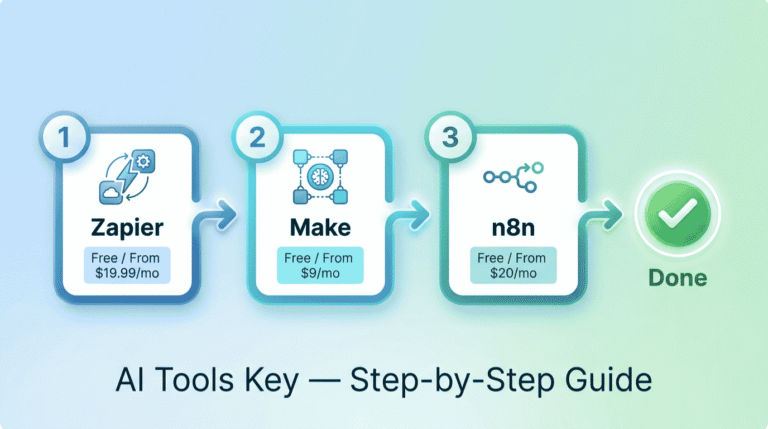
We rate every tool on a transparent 10-point scale across features, ease of use, pricing value, support, and integrations. You can read more about how we test in our editorial guidelines. By that standard, Semrush remains our top pick for an all-in-one platform, paired with Surfer SEO for content. If you also want to automate other marketing tasks, see our guide on how to automate email marketing with AI.
Our Recommendation
Start with ChatGPT (free) for research and drafts, add Surfer SEO for on-page optimization, and bring in Semrush for keyword data and audits as you grow. Use AI for the heavy lifting, then add your own expertise for strategy and the final edit. That blend is what ranks.
Get Started With SemrushThe Information People Are Looking For
How does AI help with SEO?
AI helps with SEO by automating slow tasks like keyword research, content briefs, on-page optimization, and technical audits. It analyzes top-ranking pages and search data in seconds, then suggests improvements. You still handle strategy and final edits. The result is more pages researched, optimized, and published in less time.
How do I use ChatGPT for SEO?
Use ChatGPT for SEO to brainstorm keywords, build content outlines, write title tags and meta descriptions, generate schema markup, and explain technical errors. Give it your topic and ask for grouped keyword ideas or an outline based on search intent. Always validate keyword data in a tool like Semrush and edit drafts in your own voice.
Is using AI for SEO worth it?
Yes. Using AI for SEO saves hours on research, briefs, and audits while improving consistency. You can start free with ChatGPT and add paid tools like Surfer SEO or Semrush as you grow. The key is pairing AI speed with human strategy and editing, which is what produces rankings that last.
Does Google penalize AI content?
No. Google does not penalize AI-assisted content. It rewards helpful, high-quality content however it is produced, and penalizes low-quality content made only to manipulate rankings. Use AI for research and drafts, then add real expertise, original insight, and accurate sources to satisfy Google’s E-E-A-T standards.
What is the best AI tool for SEO?
For most small businesses, Semrush is the best all-in-one AI SEO tool thanks to its keyword research, audits, and the new Semrush One AI visibility track. Surfer SEO is the best for on-page content optimization, and ChatGPT is the best free assistant for research and drafts. Many users combine all three.
Will AI replace SEO?
No. AI will not replace SEO or SEO professionals. It changes how the work is done by automating research and analysis, but strategy, brand voice, original insight, and quality judgment still need a human. Search is also shifting toward AI answers, which makes skilled SEO more valuable, not less.
Can AI do keyword research?
AI can speed up keyword research by generating topic ideas, long-tail variations, and clusters in seconds. However, it cannot see live search volume on its own, so you should validate its suggestions in a data tool like Semrush. The best approach pairs AI brainstorming with real keyword data before you commit.