GetResponse vs Mailchimp (2026): Which Email Marketing Tool Is Better?
GetResponse vs Mailchimp is one of the oldest rivalries in email marketing, and in 2026 the gap between them has widened. Both let you build a list, send campaigns, and automate follow-ups. But they price very differently, and one of them quietly bills you for contacts you can no longer email.
I have used both platforms with real lists, so this comparison is built on hands-on experience, not marketing claims. Below, we break down pricing, ease of use, automation, deliverability, and the features that actually move the needle.
By the end, you will know which one fits your business and your budget.
Quick Answer
For most small businesses, GetResponse is the better choice. It starts at $19/month, includes unlimited email sends, and bills only active subscribers, plus it adds webinars, funnels, and courses Mailchimp lacks. Choose Mailchimp (from $13/month) if you want the simplest interface and the largest integration ecosystem for basic newsletters.
This comparison is part of our complete AI tools buyer’s guide. Read the full guide for a framework on how to choose the right software for your business.
GetResponse vs Mailchimp at a Glance
Here is the short version before we dig in. Both are mature email marketing platforms, but they aim at slightly different users.
| Tool | Best For | Starting Price | Free Plan | Our Rating |
|---|---|---|---|---|
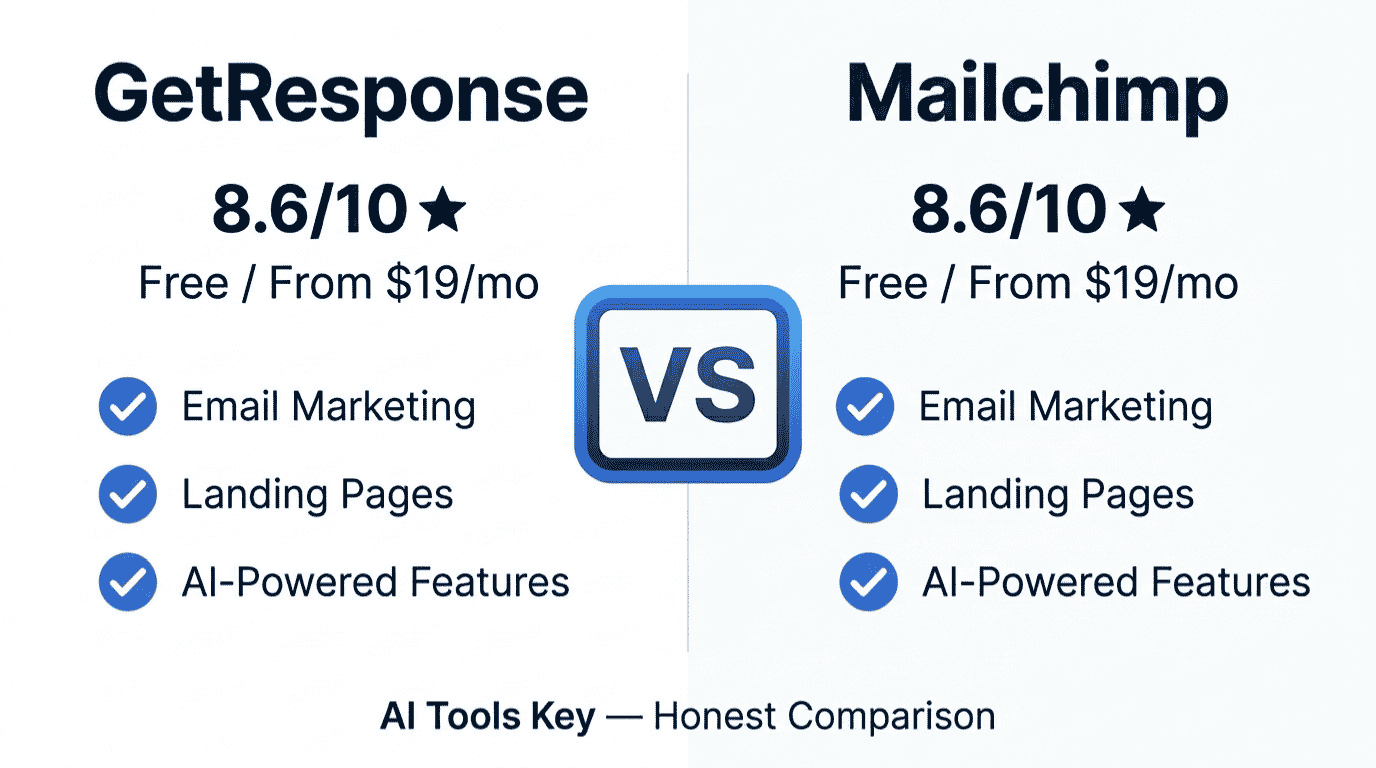
| GetResponse | All-in-one value and automation | $19/mo (1,000 contacts) | Yes (500 contacts) | 8.6/10 |
| Mailchimp | Simple newsletters and integrations | $13/mo (500 contacts) | Yes (250 contacts) | 8.0/10 |
Try GetResponse Free Visit Mailchimp
GetResponse is the better value for most small businesses, with unlimited email sends and billing based on active subscribers only. Mailchimp still wins on simplicity and ecosystem. Let us look at why.
What Is GetResponse?
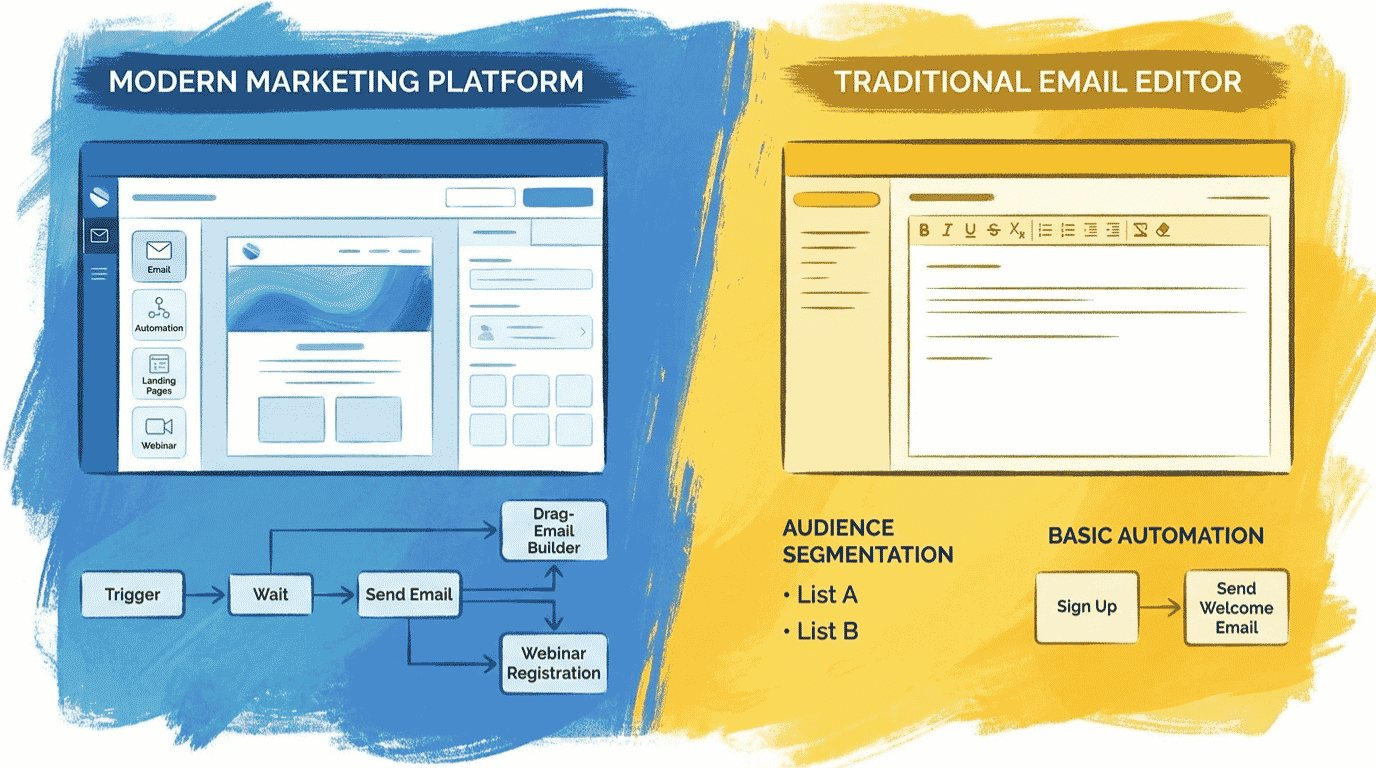
GetResponse is an all-in-one email marketing and automation platform. Beyond email, it includes landing pages, sales funnels, webinars, a website builder, and even online course tools, all in one dashboard.
It has been around for more than two decades and serves over 350,000 customers worldwide. Its focus is on giving small businesses room to grow without bolting on extra tools.
The standout for budget-conscious owners is the pricing model. GetResponse includes unlimited email sends on every paid plan, while Mailchimp caps sends at 10 to 12 times your contact count. GetResponse also bills only your active subscribers, not the ones who unsubscribed.
What Is Mailchimp?
Mailchimp is the most recognized email marketing brand in the world, now owned by Intuit. It pairs a clean, beginner-friendly interface with the deepest integration library and the largest pool of tutorials and agencies in the space.
Mailchimp leans into ease of use and a polished template gallery. It has also pushed hard into AI, with its Creative Assistant and Send-Time Optimization tools.
However, its value story has weakened. Mailchimp’s free plan dropped to 250 contacts and 500 monthly emails in early 2026, down from 500 contacts and 1,000 sends. Multi-step automation was also removed from the free tier, so most businesses hit a paywall quickly.
GetResponse vs Mailchimp: Ease of Use
This one is close. Both platforms use a clean drag-and-drop builder and sensible menus, so neither will overwhelm a beginner.
If we are pressed to pick, Mailchimp is slightly more intuitive on day one. Its journey builder interface is a touch cleaner, and the onboarding holds your hand nicely.
GetResponse is just as usable, and its Quick Actions widget speeds up common tasks like creating an email or launching a workflow. The trade is small: Mailchimp feels friendlier at first, while GetResponse rewards you with more tools once you settle in.
Quick tip: Both offer a no-risk way to test the interface. GetResponse gives a 30-day free trial with no card required, and Mailchimp’s free plan doubles as its trial. Try the dashboard before you commit.
Email Builder and Templates
Both builders are strong, and this category is essentially a tie for everyday use.
GetResponse offers 150-plus responsive templates, and crucially, every template is available on every plan. You can add products, promo codes, course blocks, and even an AI assistant to draft your copy.
Mailchimp’s gallery is famously polished, with around 137 templates that look great out of the box. The catch is that the free and Essentials plans limit your template and customization options, which can feel restrictive as you grow.
For more options across the whole category, see our roundup of the best AI email marketing tools, which covers budget picks and ecommerce specialists too.
Marketing Automation Compared
Automation is where the long-term winner usually emerges, and here GetResponse pulls ahead on value.
GetResponse gives you a visual workflow builder with behavioral triggers, advanced segmentation, and handy extras like loops (sending a subscriber back through a journey) and browser push notifications. Mailchimp’s journey builder cannot create loops in the same way.
Mailchimp locks multi-step automation behind its Standard plan, while GetResponse includes far more automation depth at a lower price point. On Mailchimp, the genuinely useful workflows start at the $20/month Standard tier, since Essentials offers only basic journeys.
Mailchimp counters with AI-driven extras like predictive segmentation and send-time optimization, which are genuinely good. So the split is this: GetResponse for deeper automation per dollar, Mailchimp for AI-assisted targeting.
Pricing and the Unsubscribed Contact Trap
On the surface, Mailchimp looks cheaper, starting at $13/month versus $19/month for GetResponse. But the headline price hides two big differences.
First, that $13 Mailchimp plan covers only 500 contacts, while GetResponse’s $19 plan covers 1,000. Second, and this is the one that catches people out: Mailchimp charges you for unsubscribed and non-subscribed contacts; GetResponse does not.
Here is what that means in practice. If you have 2,500 active subscribers but 500 people unsubscribed and stayed in your audience, Mailchimp bills you for 3,000 contacts. GetResponse bills you for 2,500. Duplicates across audiences count twice on Mailchimp, too.
Here is how the plans line up, on standard monthly billing.
| What | GetResponse | Mailchimp |
|---|---|---|
| Free plan | 500 contacts | 250 contacts, 500 sends/mo |
| Entry paid | Starter, $19/mo (1,000 contacts) | Essentials, $13/mo (500 contacts) |
| Automation tier | Marketer, $59/mo | Standard, $20/mo |
| Email sends | Unlimited on all plans | Capped at 10 to 12x contacts |
| Bills unsubscribed contacts? | No (active only) | Yes |
Both tools offer roughly 15 to 18 percent off for annual billing. GetResponse drops to about $15.58/month on its Starter plan with a 12-month prepay.
Features Beyond Email: Webinars, Funnels, and Courses
This is GetResponse’s clearest advantage, and it is a big one for growing businesses.
GetResponse is the best email marketing tool for all-in-one features like webinars, funnels, and courses. You can host webinars for up to 100 attendees, build complete conversion funnels, sell online courses, and even publish a simple website, all without leaving the platform.
Mailchimp does not offer webinars or course creation at all. It has expanded into websites and ecommerce, but it stays focused on being a marketing platform rather than an all-in-one business toolkit.
If you plan to sell digital products or run lead-generating webinars, GetResponse can replace two or three separate subscriptions. That bundled value often makes the price difference irrelevant.
Want your funnel or automation set up by a pro? A well-built sales funnel pays for itself, but the setup has a learning curve. Our specialists can build it for you. Explore our AI sales funnel creation service, or browse the full AI services directory.
Hire a Funnel Expert on FiverrDeliverability and Support
Deliverability decides whether your emails land in the inbox or the spam folder, so it matters more than most features.
Mailchimp edges GetResponse slightly in independent inbox tests. In independent placement tests, Mailchimp reached 92.6 percent inbox delivery versus 89.7 percent for GetResponse. That said, GetResponse offers built-in spam checking and inbox previews to help you optimize before you send.
On support, GetResponse pulls ahead. GetResponse offers 24/7 live chat on all paid plans, while Mailchimp limits free-plan support to the first 30 days. Phone support on Mailchimp is reserved for the Premium tier.
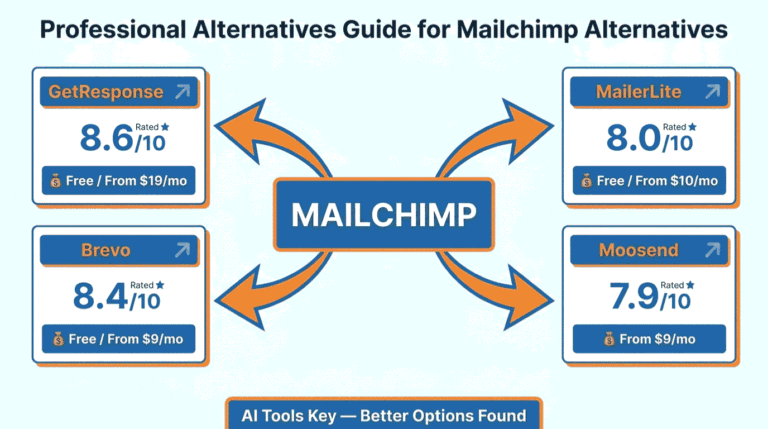
If neither feels right, strong alternatives include Brevo and MailerLite for budget-friendly sending, or ActiveCampaign for advanced automation. Browse our full AI tools directory for more.
GetResponse vs Mailchimp: Quick Pros and Cons
Before the cost breakdown, here is a side-by-side summary of where each platform stands. This is the view we wish more comparisons led with.
GetResponse strengths
- Unlimited email sends on every paid plan, with no send caps
- Bills only active subscribers, never your unsubscribed contacts
- All-in-one toolkit: webinars, sales funnels, courses, and a website builder
- Every email template is available on every plan, even the cheapest
- 24/7 live chat support included on all paid plans
Mailchimp limitations to know
- Free plan cut to 250 contacts and 500 monthly sends in early 2026
- Charges you for unsubscribed and duplicate contacts
- Multi-step automation is locked behind the $20/month Standard plan
- Send limits of 10 to 12 times your contact count
- No webinar hosting or online course creation at all
None of this means Mailchimp is a bad tool. It remains polished and beginner-friendly. But for a business that plans to grow its list and revenue, the value math increasingly favors GetResponse.
GetResponse vs Mailchimp: Which Is Actually Cheaper?
You have read that Mailchimp is cheaper to start, but let us test that with a real list size instead of headline prices.
Take a growing business with 2,500 contacts who wants newsletters plus a welcome automation.
On GetResponse: the Starter plan covers 2,500 contacts for $29/month, with unlimited sends and billing on active subscribers only.
On Mailchimp: Essentials climbs to around $45/month at that list size, with a send cap and no multi-step automation. To get real automation, you need the Standard plan, which costs more again.
The cost result
For a 2,500-contact list, GetResponse runs about $29/month with unlimited sends, while comparable Mailchimp coverage lands near $45/month and still caps your sends. Add the contacts Mailchimp bills you for after they unsubscribe, and the real-world gap grows wider. For a list that is actively growing, GetResponse is the cheaper platform.
The fair caveat: if you have a tiny list of a few hundred contacts and only send occasional newsletters, Mailchimp’s $13 Essentials plan can be the lower bill. At small scale, its simplicity is worth a lot.
Not Sure Which One Fits? Try the Head-to-Head Picker
Reading a comparison is one thing; getting a clear answer is another. Answer three quick questions below about what you value, your list size, and what you need beyond email, and the picker returns our recommended winner with current pricing. Nothing you tap is saved or sent anywhere.
GetResponse vs Mailchimp: Which Is Right for You?
3 quick questions, about 20 seconds, no email required.
The Verdict: Which Should You Choose?
After running both platforms through real campaigns, here is our straight answer. There is no universal winner, but there is a clear winner for most small businesses.
Choose GetResponse if
You want the best value as your list grows, unlimited email sends, deeper automation per dollar, and all-in-one features like funnels, webinars, and courses. For most growing small businesses, GetResponse is the smarter long-term pick.
Choose Mailchimp if
You have a small, stable list, you send simple newsletters, and you value the cleanest beginner interface plus the largest integration ecosystem. Mailchimp’s brand familiarity and template gallery are genuine strengths at small scale.
Our rating weighs five factors: features, ease of use, pricing value, support, and integrations. You can read exactly how we test and rate every tool on our editorial guidelines page. Both score well; they simply win in different lanes.
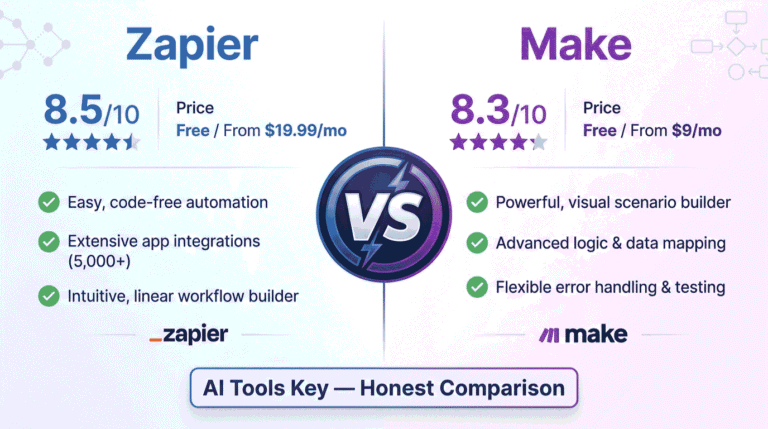
Comparing other tools too? We put many head to head, including Zapier vs Make for connecting your email platform to the rest of your stack.
Prefer to Have It Set Up for You?
Migrating lists, building automations, and warming up deliverability take time and care. If you would rather skip the setup, you do not have to do it alone.
Done-for-you email setup: Our vetted specialists can migrate your list, build your automation flows, and connect your store, so you start with a system that works. Explore our AI email marketing automation service, or browse every option in the AI services directory.
Hire an Email Expert on FiverrThe Information People Are Looking For
Is GetResponse better than Mailchimp?
For most small businesses, yes. GetResponse offers better value with unlimited sends, billing on active subscribers only, deeper automation, and all-in-one tools like webinars and funnels. Mailchimp is better if you want the simplest interface and the largest integration ecosystem for basic newsletter sending.
Is GetResponse cheaper than Mailchimp?
For growing lists, yes. GetResponse starts at $19/month for 1,000 contacts with unlimited sends and bills only active subscribers. Mailchimp starts at $13/month but covers just 500 contacts, caps your sends, and charges for unsubscribed contacts. At larger list sizes, GetResponse is usually the cheaper platform.
What is the main difference between GetResponse and Mailchimp?
The core difference is scope and pricing. GetResponse is an all-in-one platform with webinars, funnels, and courses, and it bills only active subscribers with unlimited sends. Mailchimp focuses on email marketing with a cleaner interface and more integrations, but it caps sends and charges for unsubscribed contacts.
Does Mailchimp charge for unsubscribed contacts?
Yes. Mailchimp counts subscribed, unsubscribed, and non-subscribed contacts toward your plan limit, and duplicates across audiences count twice. You must manually archive unsubscribed contacts to stop paying for them. GetResponse, by contrast, bills only your active subscribers, which keeps costs predictable as you clean your list.
Is Mailchimp’s free plan still good in 2026?
It is much weaker than before. In early 2026, Mailchimp cut its free plan to 250 contacts and 500 monthly emails, and removed multi-step automation. It works only for tiny lists and testing. GetResponse’s free plan covers 500 contacts, making it the more generous free option for most beginners.
Can GetResponse replace Mailchimp?
For nearly all use cases, yes. GetResponse matches Mailchimp’s core email and automation features and adds webinars, funnels, and courses on top. The main thing you trade is Mailchimp’s larger integration library, around 300 native apps versus roughly 170 on GetResponse. Both connect to Zapier for extra integrations.
Some links in this article are affiliate links. If you sign up through them, we may earn a commission at no extra cost to you. This never affects our ratings or recommendations. See our full affiliate disclosure for details.