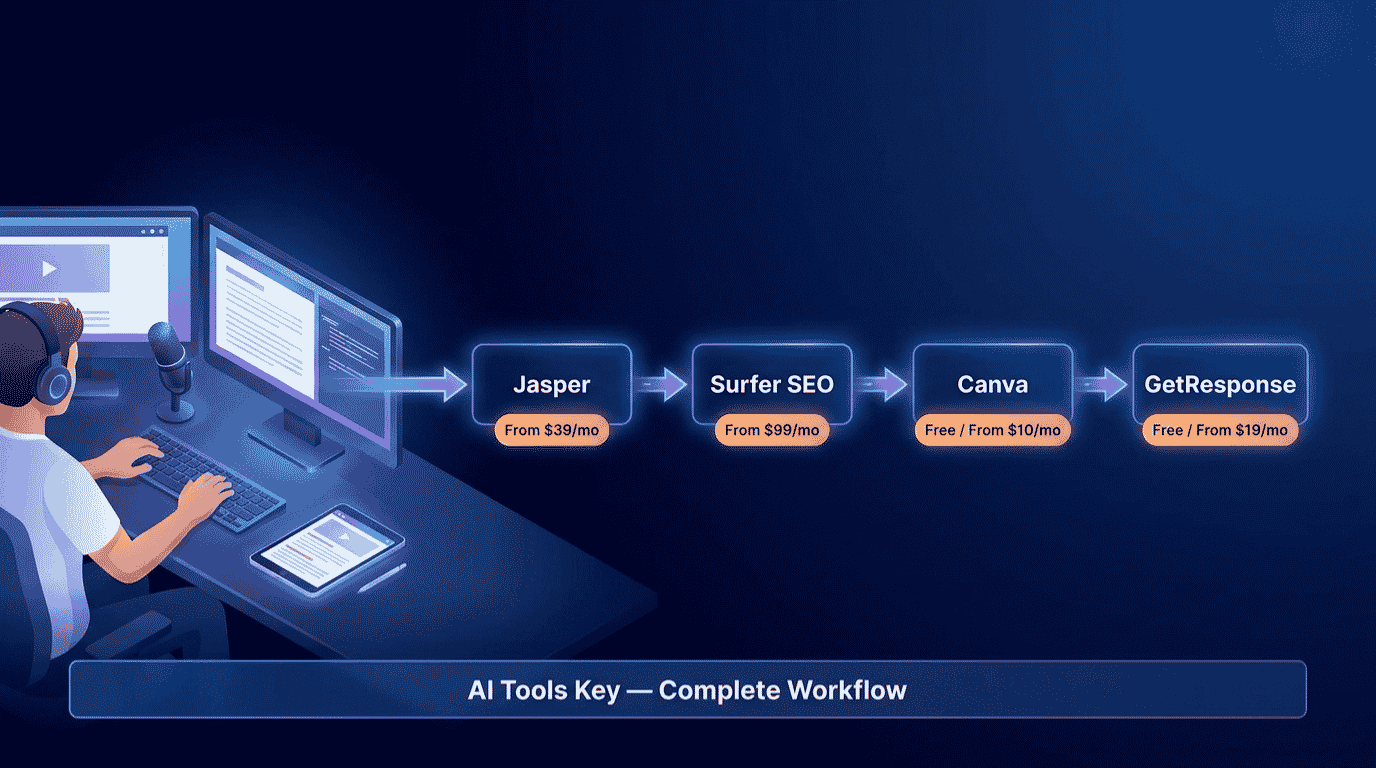
Best AI Tools for Bloggers and Content Creators in 2026: The Complete Workflow
The best AI tools for bloggers and content creators in 2026 handle the whole journey from blank page to published, ranked, and monetized post. We have tested the major ones across real blog projects, and the honest takeaway is simple. The winners are not the tools that spit out the most words. They are the ones that fit an actual blogging workflow: write, optimize, edit, design, and grow. Get the right tool for each stage, and you publish better posts in a fraction of the time.
Quick Answer
The best AI tools for bloggers and content creators in 2026 are Jasper ($39/mo) for writing drafts, Surfer SEO ($99/mo) for search optimization, Grammarly (free) for editing, Canva Pro ($10/mo) for visuals, and GetResponse (free) for growing your email list. Start free, then add a paid tool at the stage that slows you down most.
This guide is part of our complete Guide to AI Tools for Small Business. Read the full pillar for a wider view of how small teams use AI across content, marketing, and operations.
Why Bloggers Need an AI Workflow in 2026
Blogging has quietly become a lot of work. A single post needs research, a draft, SEO optimization, careful editing, custom visuals, and then promotion to an audience. Do all of that by hand for every post and you burn out long before you build traffic.
The time cost is real. According to Orbit Media’s annual blogging survey, the average blog post now takes around four hours to write, and that is before SEO, design, and distribution. AI does not write the post for you, but it removes the slow, repetitive parts of each stage so you can focus on ideas and judgment.
There is a quality catch, though. AI search and Google both reward original, well-structured content and ignore thin, keyword-stuffed posts. So the goal is not to publish faster slop. It is to use AI as an assistant at each step, then add your own voice, experience, and editing on top.
Before we get into the workflow, you can also browse our full AI tools directory or, if you create video too, our related guide to the best AI tools for YouTube creators.
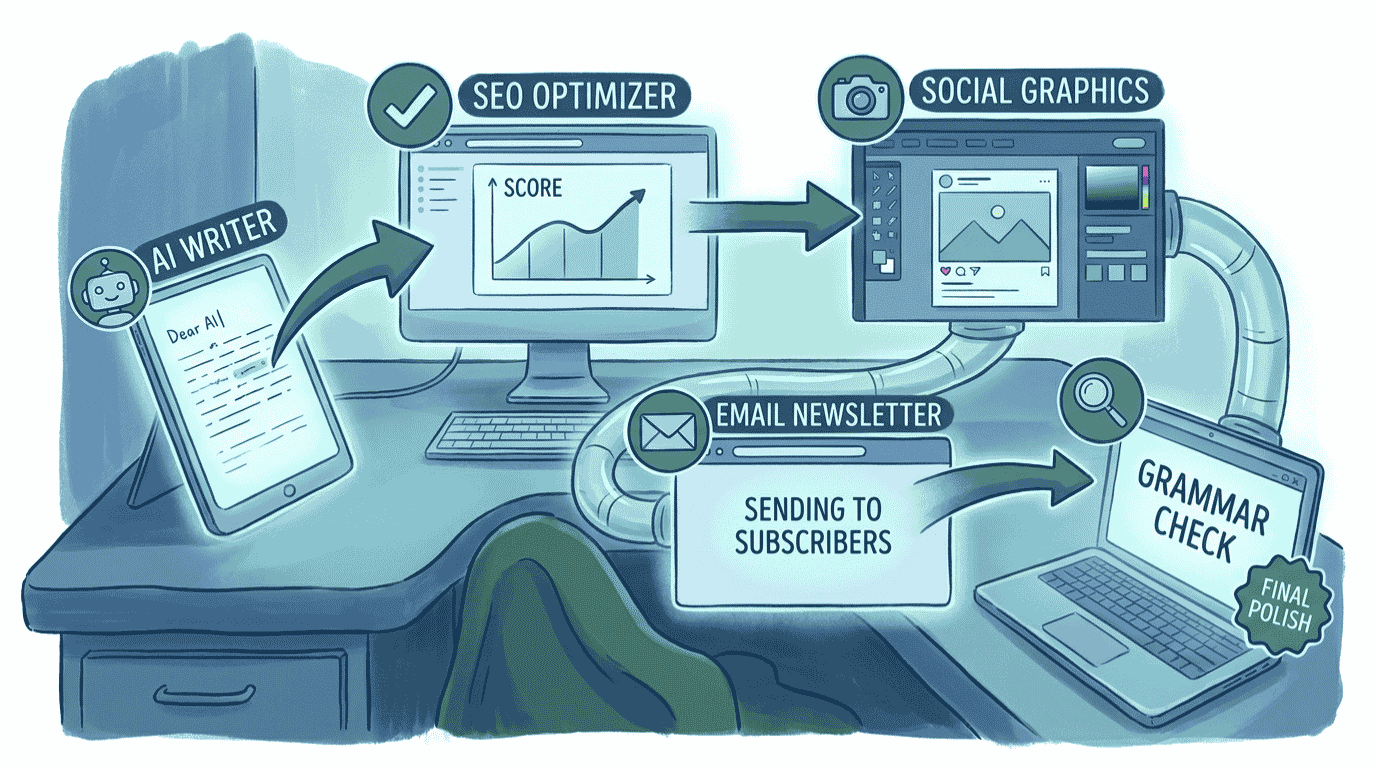
The Best AI Tools for Bloggers and Content Creators at a Glance
Here is the full stack in one view. Each tool earns its place at a different stage of producing a blog post, so you are not paying twice for the same job. Prices shown are the lowest monthly cost, which usually means billing annually.
| Tool | Best For | Starting Price | Free Option | Rating |
|---|---|---|---|---|
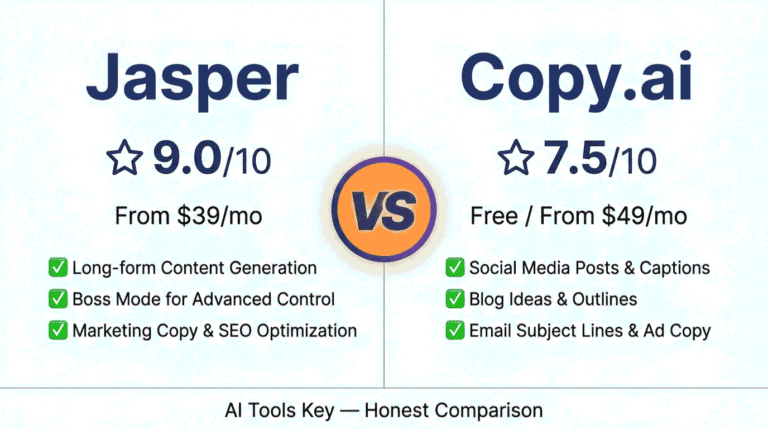
| Jasper | Best for writing on-brand drafts | From $39/mo | 7-day trial | 9.0/10 |
| Surfer SEO | Best for SEO optimization | From $99/mo | No | 8.4/10 |
| Grammarly | Best for editing and proofreading | Free / $12/mo | Yes | 8.3/10 |
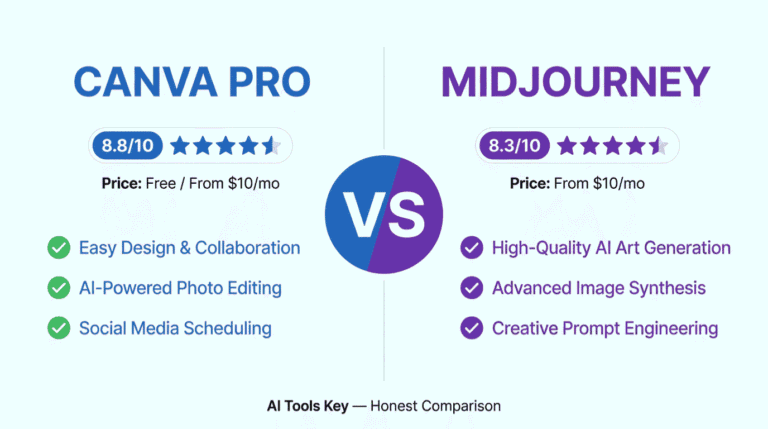
| Canva Pro | Best for blog and social visuals | Free / $10/mo | Yes | 8.8/10 |
| GetResponse | Best for growing your audience | Free / $19/mo | Yes | 8.6/10 |
Some links in this guide are affiliate links, which means we may earn a commission at no extra cost to you. See our affiliate disclosure for the details. It never changes our ratings.
How We Picked the Best AI Tools for Bloggers and Content Creators
We did not pull this list from a press release. Every tool here was tested against one question: does it remove real work from a blogger’s week, and can a non-technical creator run it without a developer?
Our rating considers five factors: features, ease of use, pricing, support, and integrations. You can read the full process in our editorial guidelines. For bloggers specifically, we weighted output quality, SEO support, and how well each tool fits a real publish-and-grow workflow rather than just generating text.
One honest note up front: you do not need all five tools to start. Most bloggers begin with a writer and an editor, then add SEO, design, and email as their site grows. The most expensive tool here, Surfer SEO, is the one to add last, once you are serious about ranking.
The 5-Step Content Creation Workflow
This is the part that matters. Below is the exact pipeline we recommend, from idea to a published post that ranks and builds your audience. Each step names one tool, links to our full review, and shows where it fits. Follow it in order and nothing falls through the cracks.
Step 1: Write the Draft With Jasper
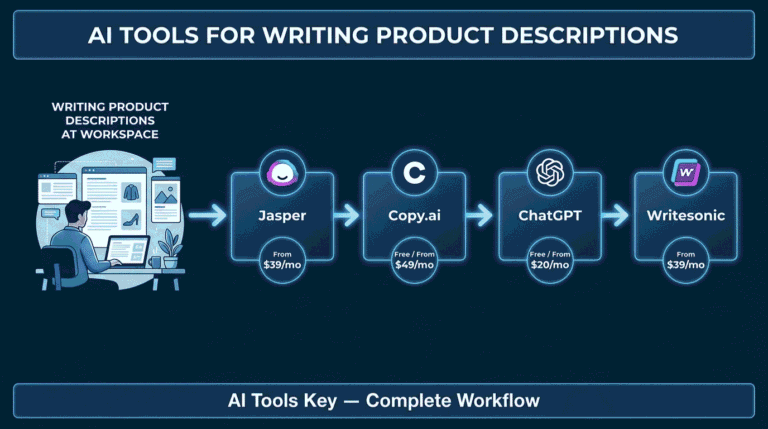
Start with the writing, because that is where most posts stall. Jasper turns an outline into a full first draft that already sounds like you, which is the hard part for most general chatbots.
Jasper ships with 50+ content templates and 30+ languages, plus a Brand Voice feature that keeps every post sounding consistent. For a blog with a regular publishing schedule, that consistency is the reason to use a dedicated writer over a plain chatbot. It costs from $39 a month with a 7-day trial.
Workflow tip: Never publish Jasper’s first draft as-is. Use it to beat the blank page, then rewrite the intro, add your own examples and data, and cut anything generic. The AI gives you a strong skeleton; your experience makes it worth reading.
Want to compare writers before you commit? See our roundup of the best AI writing tools for small business, or read our full Jasper review.
Step 2: Optimize for Search With Surfer SEO
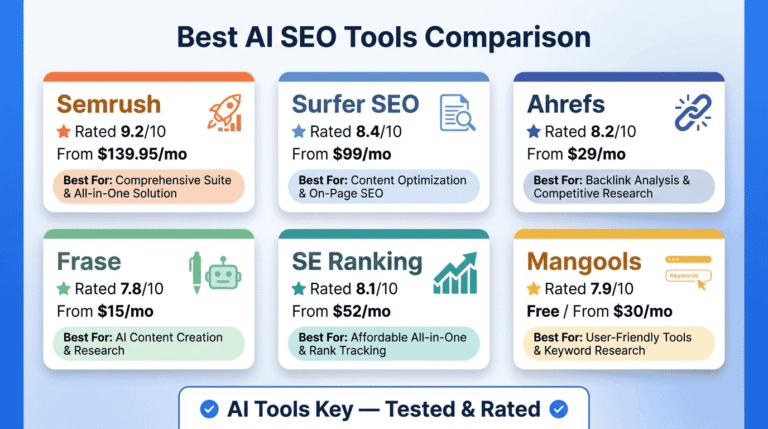
A great post that nobody finds does not grow your blog. Surfer SEO grades your draft against the top-ranking pages for your keyword and tells you exactly which terms, headings, and length you need to compete.
Here is the honest part: Surfer’s strength is SEO structure, not writing style, so use it to optimize a draft, not to write one. At $99 a month it is the priciest tool in this stack and has no free plan, only a 7-day money-back guarantee. If that is out of budget, you have cheaper options.
Worth knowing: Surfer is the single biggest line item here. If you are not ready for it, start with a free keyword tool and upgrade later. Compare cheaper choices in our best AI SEO tools guide, or read our full Surfer SEO review.
To keep your content ranking long term, follow Google’s helpful-content guidance: write for people first, add genuine value, and never publish thin, keyword-stuffed posts just to chase rankings.
Step 3: Polish and Proofread With Grammarly
Typos and clunky sentences quietly cost you credibility. Grammarly catches grammar and spelling mistakes, smooths awkward phrasing, flags your tone, and checks for plagiarism before you hit publish.
Grammarly is used by over 40 million people and 50,000 organizations, and its Pro plan adds a plagiarism checker plus 2,000 AI writing prompts a month. The free plan covers everyday grammar, spelling, and tone for most bloggers, while Pro adds the plagiarism checker and full-sentence rewrites from $12 a month billed annually.
Workflow tip: Run every AI-assisted draft through Grammarly’s tone detector. AI writing can drift formal or robotic, and a quick tone check keeps your posts sounding human and on-brand before they go live.
Step 4: Create Visuals With Canva Pro
Walls of text lose readers. Canva Pro lets you create featured images, in-post graphics, Pinterest pins, and social promos without any design skill, all from your browser.
Canva Pro unlocks 140 million-plus premium photos, videos, and graphics plus the Magic Studio AI tools for about $10 a month billed annually. Magic Resize turns one graphic into every social size in a click, and the Brand Kit keeps your fonts and colors consistent across every post.
For a blogger, that means a polished featured image and a full set of social graphics for each post in minutes, not hours. For more options, see our best AI design tools guide.
Step 5: Grow and Monetize With GetResponse
Most “AI tools for bloggers” lists stop at publishing. That is a mistake, because a blog only becomes a business when you turn readers into subscribers you own. GetResponse handles your email list, newsletters, and automated sequences that bring readers back.
GetResponse Starter includes unlimited email sends and an AI email generator from $19 a month, with a free plan for up to 500 contacts. Add a simple newsletter signup to your posts, then send a welcome series and a regular newsletter so traffic turns into a returning, monetizable audience.
Workflow tip: Put one email signup offer in every post, such as a checklist or template related to the topic. It converts far better than a generic “subscribe” box and builds the list that eventually pays for your whole stack.
GetResponse is one of several strong email tools. To compare options and pricing, see our roundup of the best AI email marketing tools.
A Real Example: From Blank Page to Published Post
Let me make this concrete. Picture a solo blogger publishing two posts a week, with no team and a tight budget.
They start each post in Jasper, turning a quick outline into a full draft, then rewriting the intro and adding their own examples. They drop the draft into Surfer to hit the right keywords and structure, run it through Grammarly to fix grammar and tone, and build a featured image plus a Pinterest pin in Canva from saved templates.
When the post goes live, a signup offer inside it adds new readers to GetResponse, which sends a welcome series and pulls them back for the next post. A workflow that used to eat two full days now takes a few focused hours per post. Based on our testing, that is the realistic payoff: not hands-off publishing, but far less friction at every stage, with you still in control of quality.
What This Blogging Stack Costs
Now the question every creator asks: what is the bill? The honest answer is that it depends on how much you turn on, and you can go a long way before paying much.
Toggle the tools below to see your real monthly and annual cost. Watch what happens when you switch Surfer on and off, since it is the biggest single expense. Nothing is saved, and all the math stays in your browser.
Blogging AI Stack Cost Calculator
Toggle tools on or off to see your monthly and annual cost. Prices are the lowest monthly rate (billed annually).
Three numbers are worth memorizing. A free start, with a free writer plus Grammarly, Canva, and GetResponse on their free plans, costs $0. A solid creator setup without Surfer, meaning Jasper plus Grammarly Pro, Canva Pro, and GetResponse, runs about $77 a month. Add Surfer SEO and the full stack lands near $156 a month billed annually. That jump is almost entirely Surfer, which is why it is the last tool to add.
DIY vs Hiring an Expert
The stack above is fully doable yourself. Still, time is the one thing creators never have enough of, and sometimes the smarter move is to hand off a piece of it.
Why run the stack yourself
- Lowest cost, since most stages have a free or cheap tool
- Full control over your voice, topics, and brand
- You build a system that compounds with every post you publish
Why hire it out instead
- Writing, optimizing, and editing every post is a real time sink
- An expert blends AI speed with human polish and proven SEO
- Great for clearing a content backlog or launching a new blog fast
Want it done for you? If writing every post is not how you want to spend your week, our vetted freelancers handle AI content writing services. Want your posts to rank? Try AI SEO audit and optimization, or browse all AI services on Fiverr.
Your Complete Creator Tool Stack
The full blogging stack at a glance, with current pricing:
- Jasper (writing drafts): From $39/mo. Start trial
- Surfer SEO (search optimization): From $99/mo. Optimize
- Grammarly (editing and proofreading): Free or $12/mo. Try free
- Canva Pro (blog and social visuals): Free or $10/mo. Get Canva
- GetResponse (grow your audience): Free or $19/mo. Start free
Our recommendation: Start with a free writer plus Grammarly, Canva, and GetResponse on their free plans to build the whole workflow at zero cost. Upgrade to Jasper first for faster, on-brand drafts, then add Canva Pro and GetResponse as you publish more. Add Surfer SEO last, once ranking is a priority and the budget is there. That order gets you publishing now and scaling later.
Frequently Asked Questions
What are the best AI tools for bloggers in 2026?
The top picks are Jasper for writing drafts, Surfer SEO for search optimization, Grammarly for editing, Canva Pro for visuals, and GetResponse for growing your email list. Together they cover the full blogging workflow. Start free with the editing, design, and email tools, then add a paid writer and SEO tool as your blog grows.
Can I use AI to write a whole blog post?
Yes, AI can draft a full blog post in minutes, but you should never publish it untouched. Use a tool like Jasper to beat the blank page, then add your own examples, data, and voice, and edit for accuracy. AI handles the skeleton; your experience and editing make the post worth reading and able to rank.
Are there free AI tools for content creators?
Yes. Grammarly, Canva, and GetResponse all offer real free plans, and free AI writers can draft posts at no cost. You can run a full beginner blogging workflow, from drafting to design to email, without paying anything. The main paid step is deep SEO optimization, which you can add later as your traffic grows.
Will Google penalize AI-generated blog content?
Not on its own. Google rewards helpful, original content regardless of how it is made, so edited AI posts are fine. Problems come from publishing thin, keyword-stuffed AI text at scale. Add real value, your own experience, and proper structure, and AI-assisted posts can rank just as well as fully hand-written ones.
Do I need Surfer SEO if I already use an AI writer?
Not at first. An AI writer creates the draft; Surfer SEO tells you how to optimize it to rank. They solve different problems. If you are just starting, write and edit with free tools and a cheaper keyword tool. Add Surfer once ranking in search is a real priority and the $99 a month fits your budget.
What is the best AI tool for editing blog posts?
Grammarly is the best AI editing tool for bloggers. It fixes grammar and spelling, smooths awkward sentences, flags your tone, and checks for plagiarism. The free plan covers everyday editing, while Pro adds the plagiarism checker and full-sentence rewrites from $12 a month billed annually, which is worth it for anyone publishing regularly.
How much does an AI blogging tool stack cost?
You can start free using free writers plus Grammarly, Canva, and GetResponse free plans. A creator setup without Surfer runs about $77 a month: Jasper $39, Grammarly Pro $12, Canva Pro $10, and GetResponse $16. Adding Surfer SEO brings the full stack to roughly $156 a month billed annually.